How to Use Tennis Genius, Your AI Tennis Assistant Beta
Getting startedUSTA guidesNutrition & fitness Updated November 8, 2026 2 min read
Tennis Genius is an AI assistant for all things tennis, included on every plan, Free, Pro and Elite. Ask about USTA, World Tennis (ITF) and WTN, rankings, the rules, nutrition or how to do something in Match Tennis App, and get an answer in seconds. Pick a topic to see ready-made questions, or type your own.
Part 1Open Tennis Genius
-
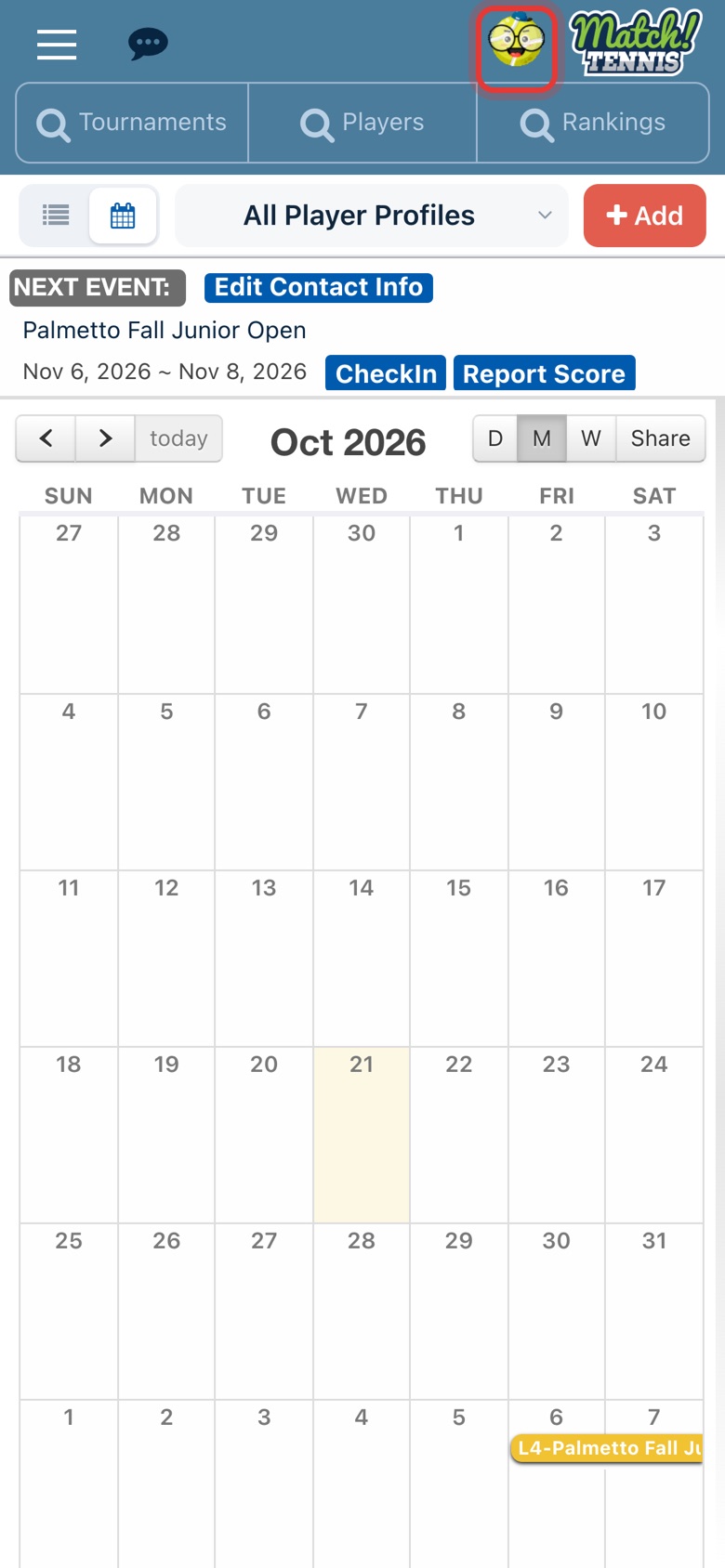
Step 1: Tap the Tennis Genius button
At the top of the app, tap the round Tennis Genius icon next to the Match Tennis logo.
-
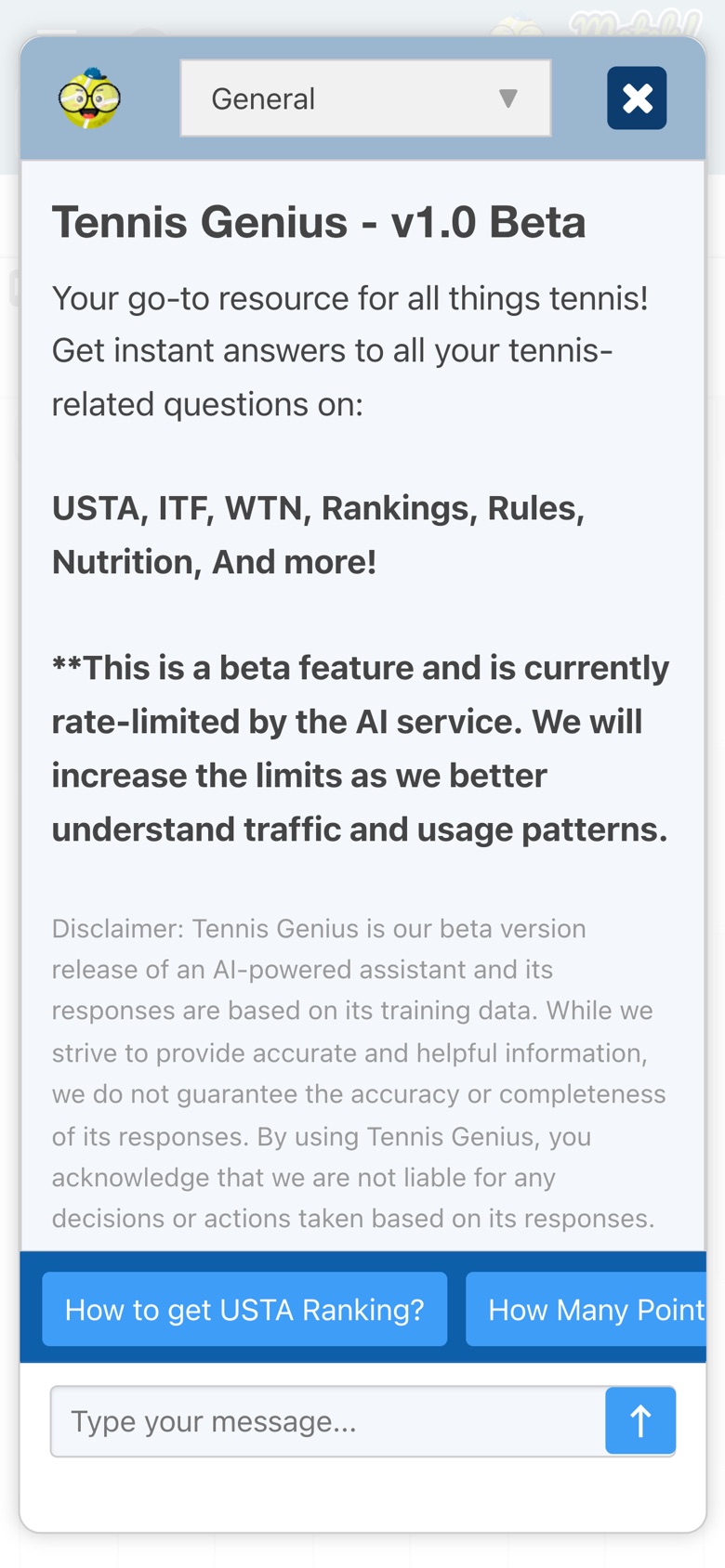
Step 2: Tennis Genius opens
Tennis Genius opens on the General topic. Ready-made questions run along the blue bar above the message box; swipe it to see more. Tap the X at the top right to close Tennis Genius at any time.
-
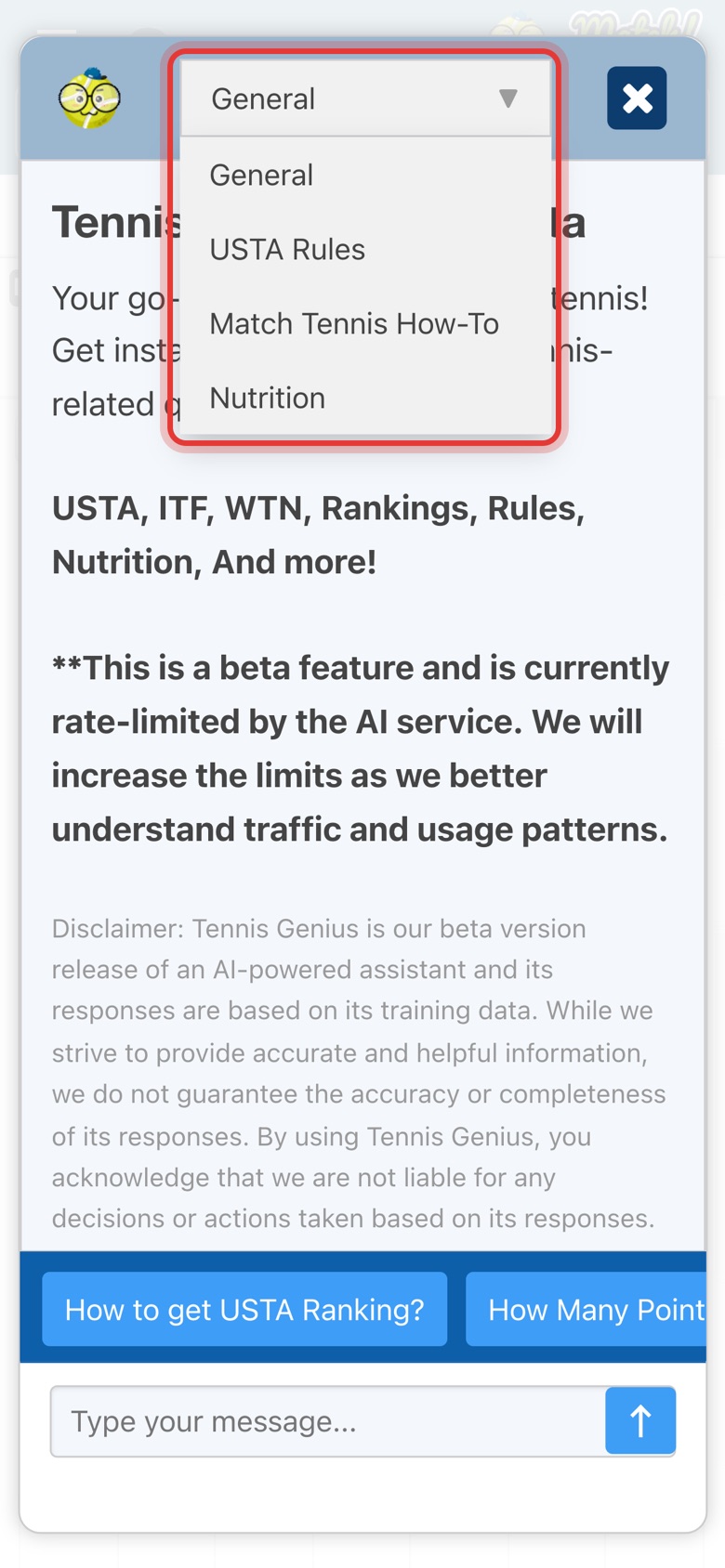
Step 3: Pick a topic
Tap the topic menu at the top to switch topics: General, USTA Rules, Match Tennis How-To or Nutrition. Each topic has its own ready-made questions.
Part 2Ask a question
-
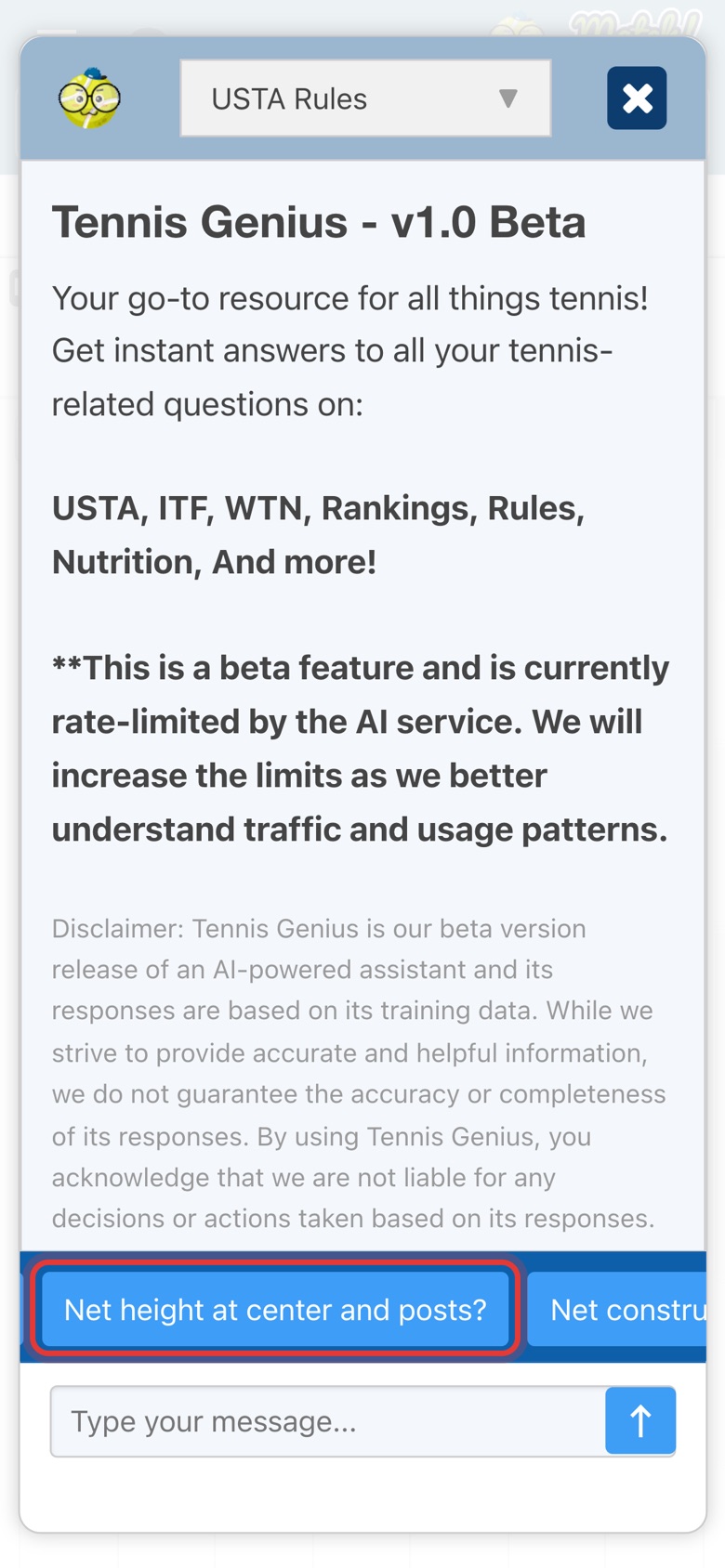
Step 4: Tap a ready-made question
Here, USTA Rules is picked. Tap any question on the blue bar to ask it straight away.
-
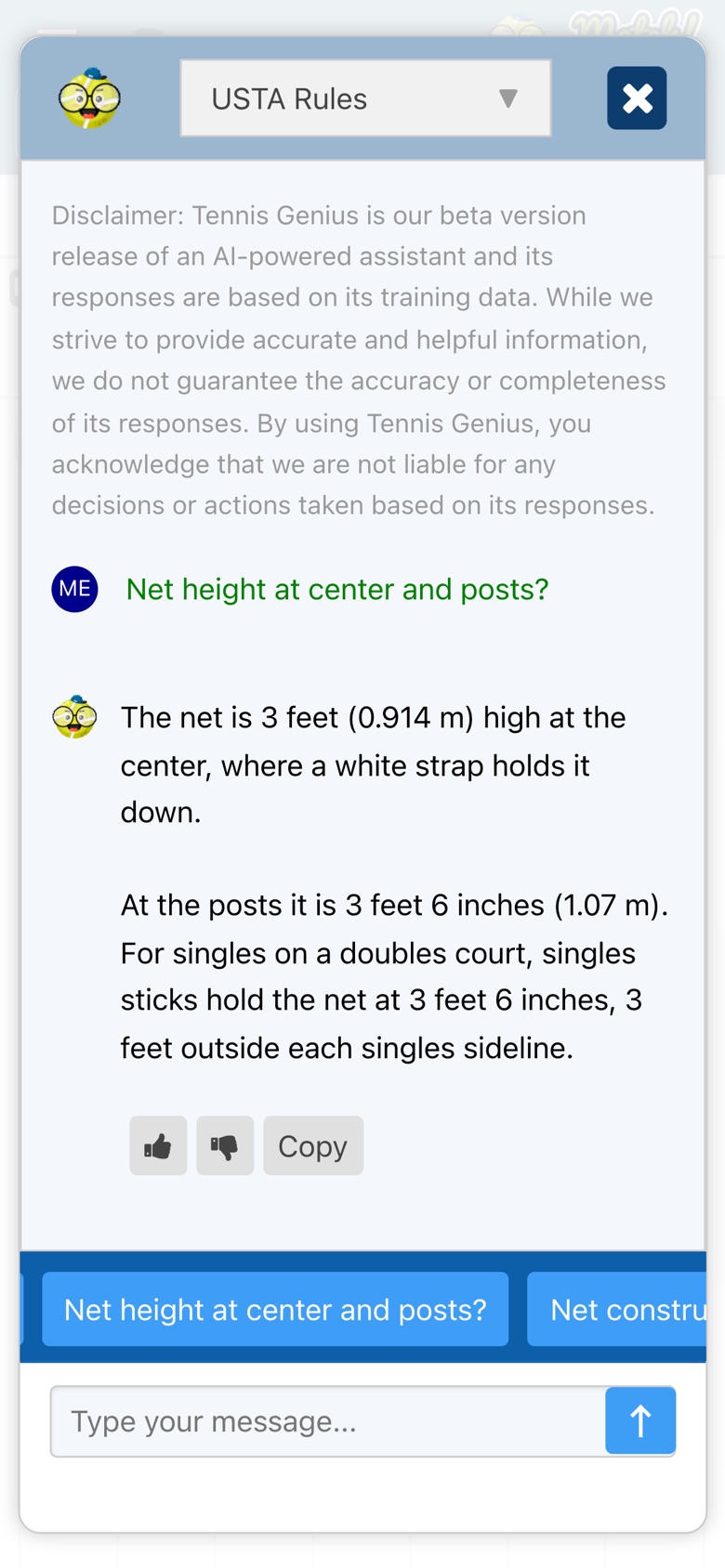
Step 5: Read the answer
Your question appears next to ME and Tennis Genius answers below it. It takes a few seconds while Tennis Genius is thinking.
-
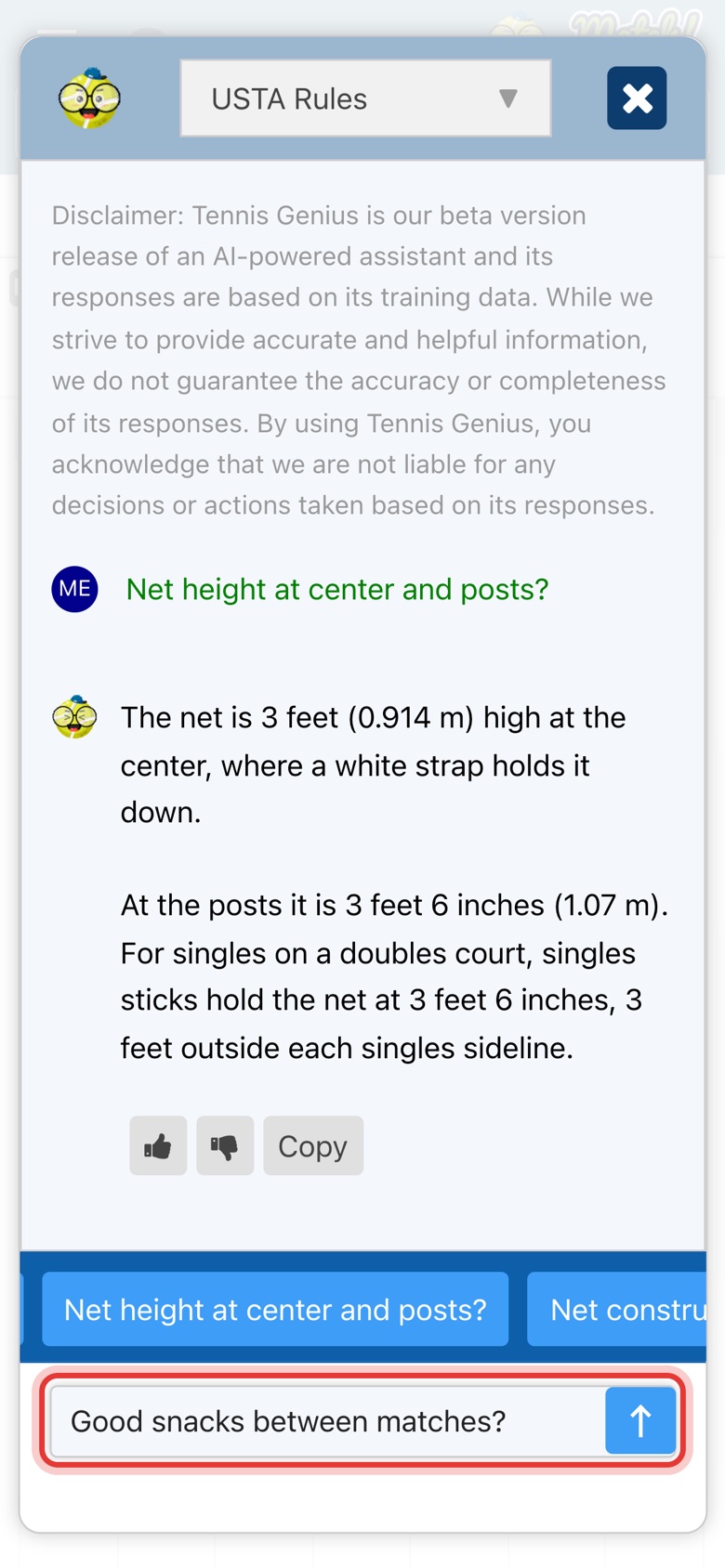
Step 6: Type your own question
Type any tennis question in the message box and tap the arrow, or press Enter. Tennis Genius remembers the conversation, so you can ask a follow-up without repeating yourself.
-
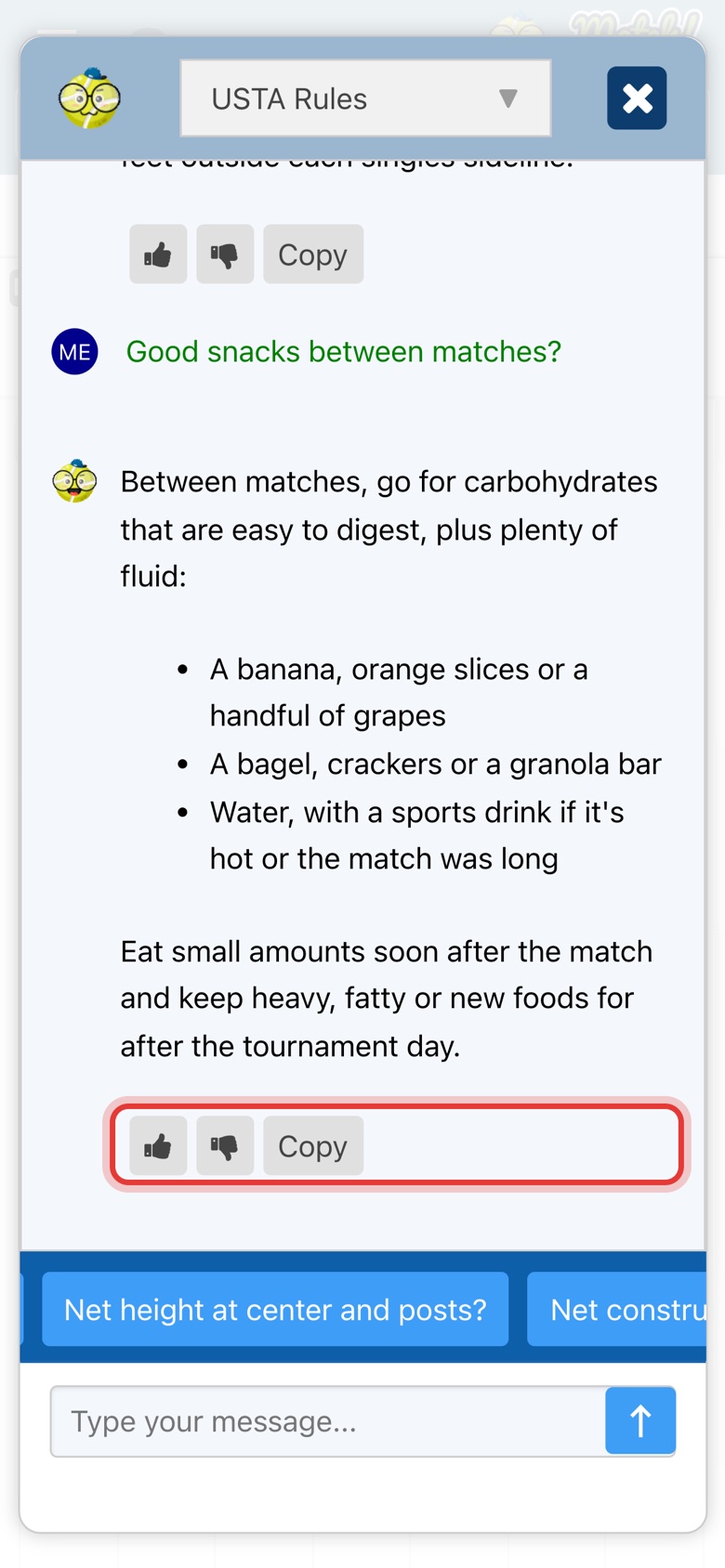
Step 7: Rate or copy the answer
Under each answer, tap the thumbs up or thumbs down to rate it, or tap Copy to copy the answer and paste it into a note or message.
Before you start
- Every plan. Tennis Genius is included on the Free, Pro and Elite plans. You only need to be signed in.
- It's in beta. Tennis Genius is a beta feature with a limit on how many questions it can answer at once. If a question times out, ask it again with a little more detail.
- Check what matters. Answers come from an AI and can be wrong or out of date. Before you act on a rule, a ranking or an entry deadline, check it with the USTA or the tournament. For health or diet questions, talk to a doctor or a sports dietitian.
What to ask
- General. USTA rankings and points, WTN, Net Generation, PlayTracker and other tennis questions.
- USTA Rules. Junior tournament rules (age eligibility, seeding, match formats, withdrawals) and the rules of play: court and net sizes, scoring, tiebreaks, lets and foot faults.
- Match Tennis How-To. How to search for tournaments, add your player, register, upgrade, update your card or contact support.
- Nutrition. Fueling for training and matches, hydration, recovery between matches and eating well while traveling.
Tips
- Add detail to your question. "How many ranking points for reaching the quarterfinals of an L5 in the 14s?" gets a better answer than "points for quarters?".
- Ask a follow-up. Tennis Genius remembers the conversation, so you can ask "and for the semifinals?" right after.
- Want answers about your own players? Tennis Genius answers general tennis questions. On the Elite plan, ACE, your personal AI agent, knows your players, their rankings and your calendar.