How to Use ProMentor in Match Tennis App
Players & scouting Updated November 7, 2026 1 min read
ProMentor Tennis pairs your family with a vetted mentor for tournament planning, player development and college recruiting. Everything lives under ProMentor in the app menu.
Part 1Learn about ProMentor
-
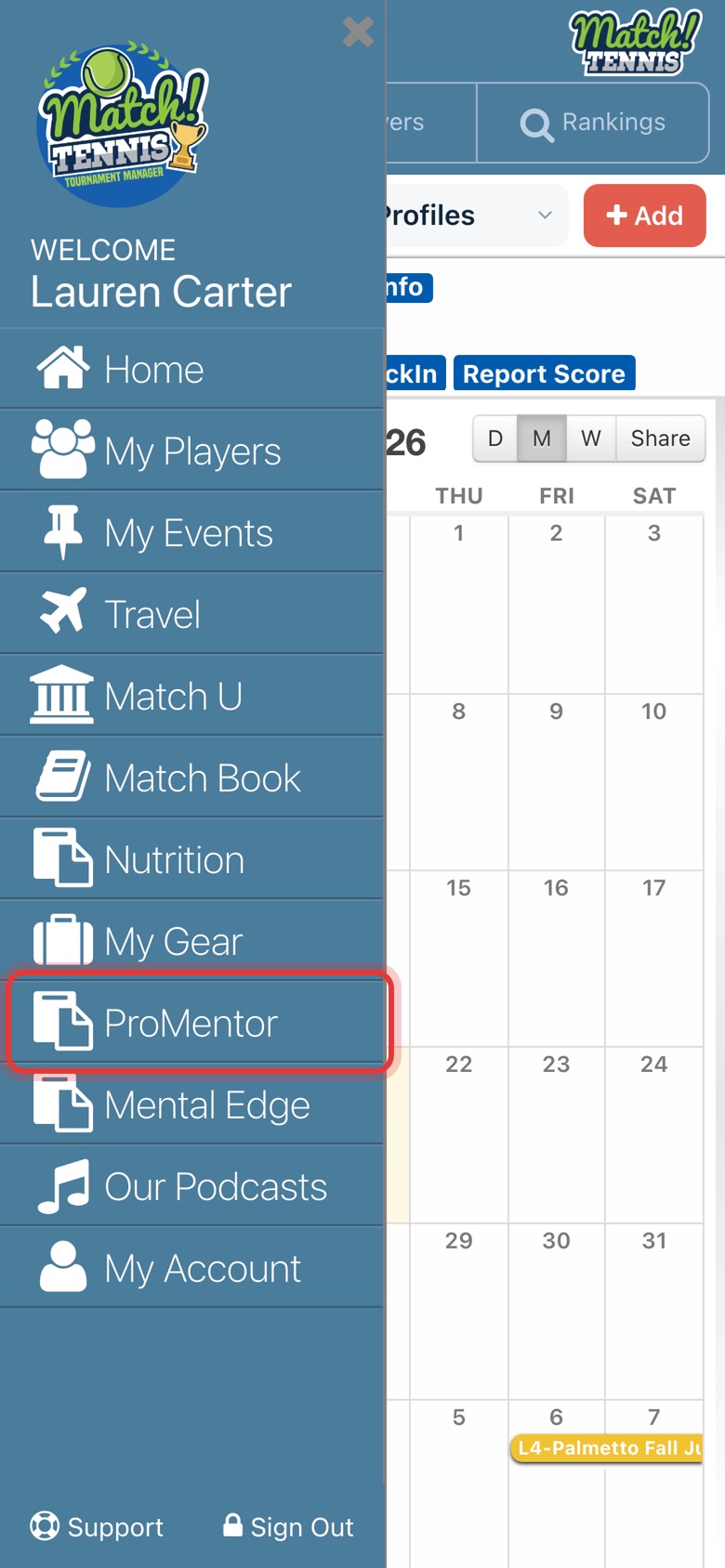
Step 1: Open ProMentor
Tap the menu, then ProMentor.
-
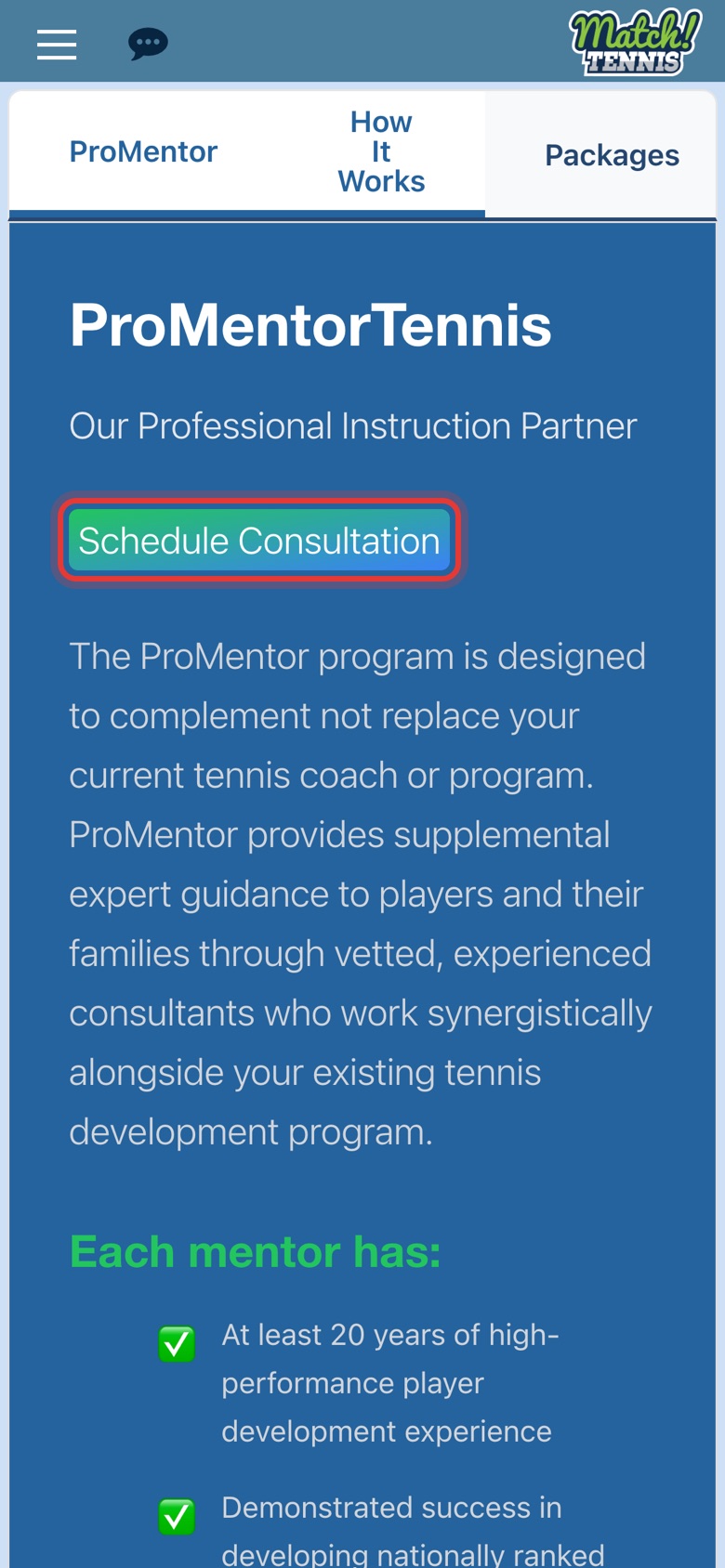
Step 2: Read about the program
The ProMentor tab explains what mentors do and who they are. Tap Schedule Consultation any time to book a free 15-minute call.
-
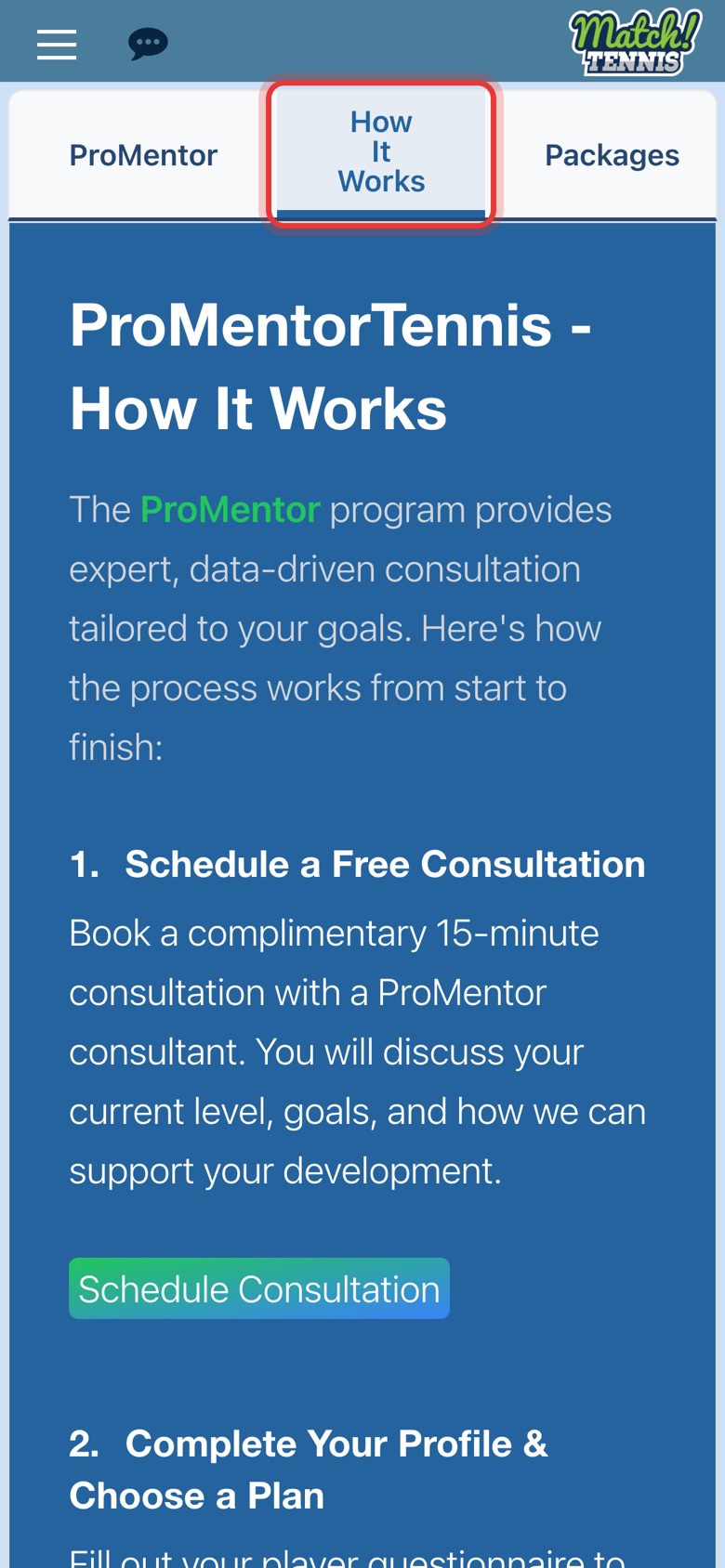
Step 3: See how it works
How It Works walks through the four steps: free consultation, profile and plan, analysis and reports, and staying in touch with your consultant.
-
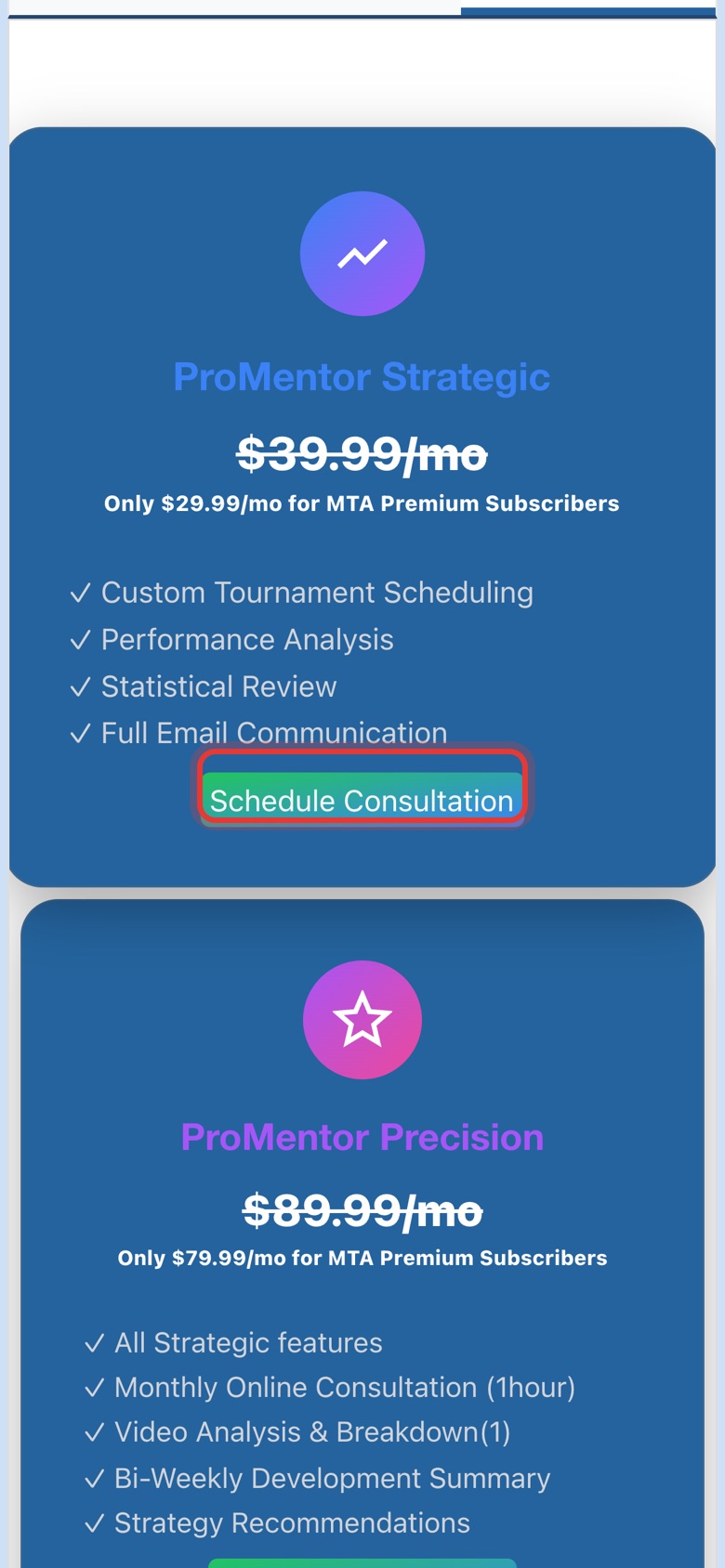
Step 4: Compare packages
Packages lists Strategic, Precision and College with what each includes. Tap Schedule Consultation on the one you like; you'll subscribe after your call.
Part 2Once you subscribe
-
Step 5: Fill in My Profile
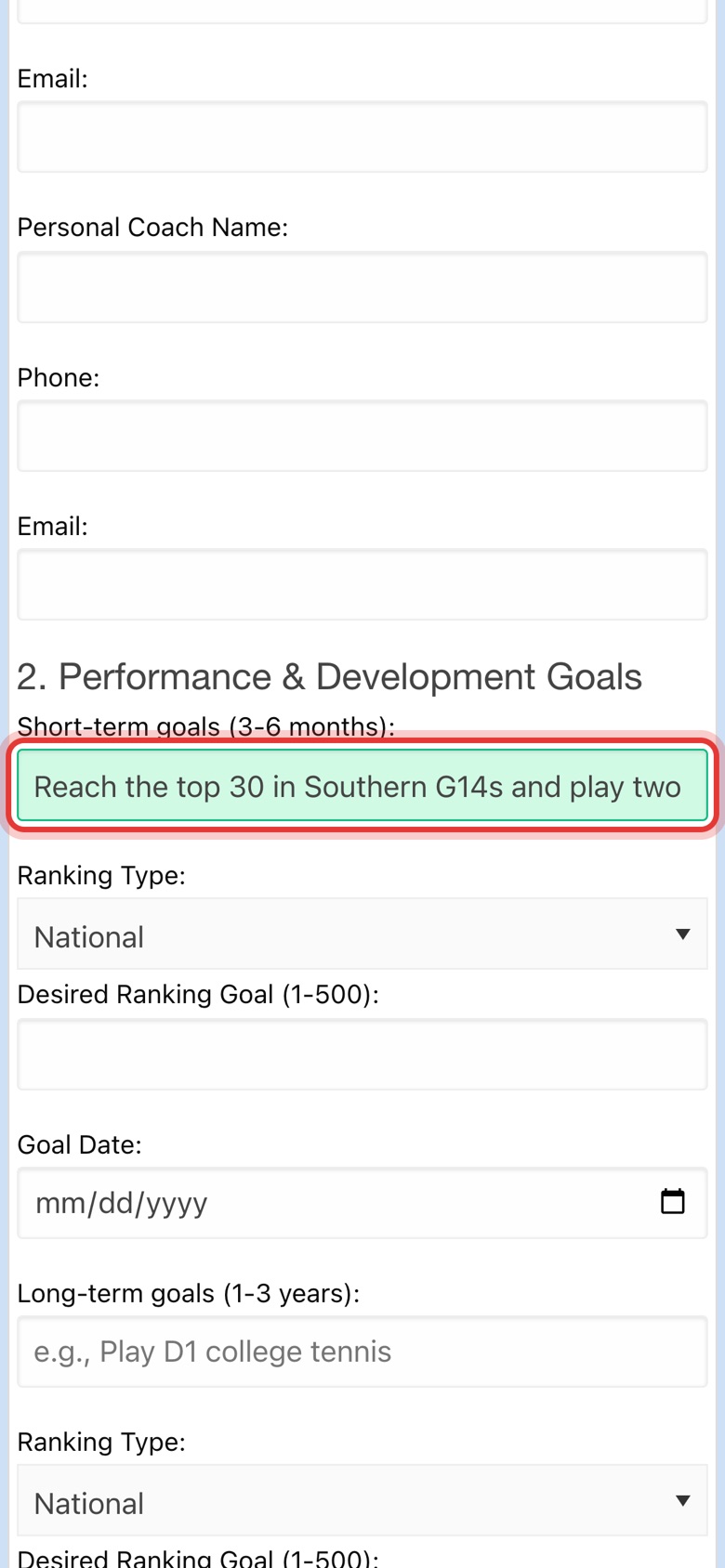
Once you subscribe, ProMentor shows My Profile, Reports and Notes & Stats. Fill in each section of My Profile: answers save as you go, and the field turns green when it's saved.
-
Step 6: Find your reports
Reports lists every report your consultant has published. Tap the eye button to open one.

-
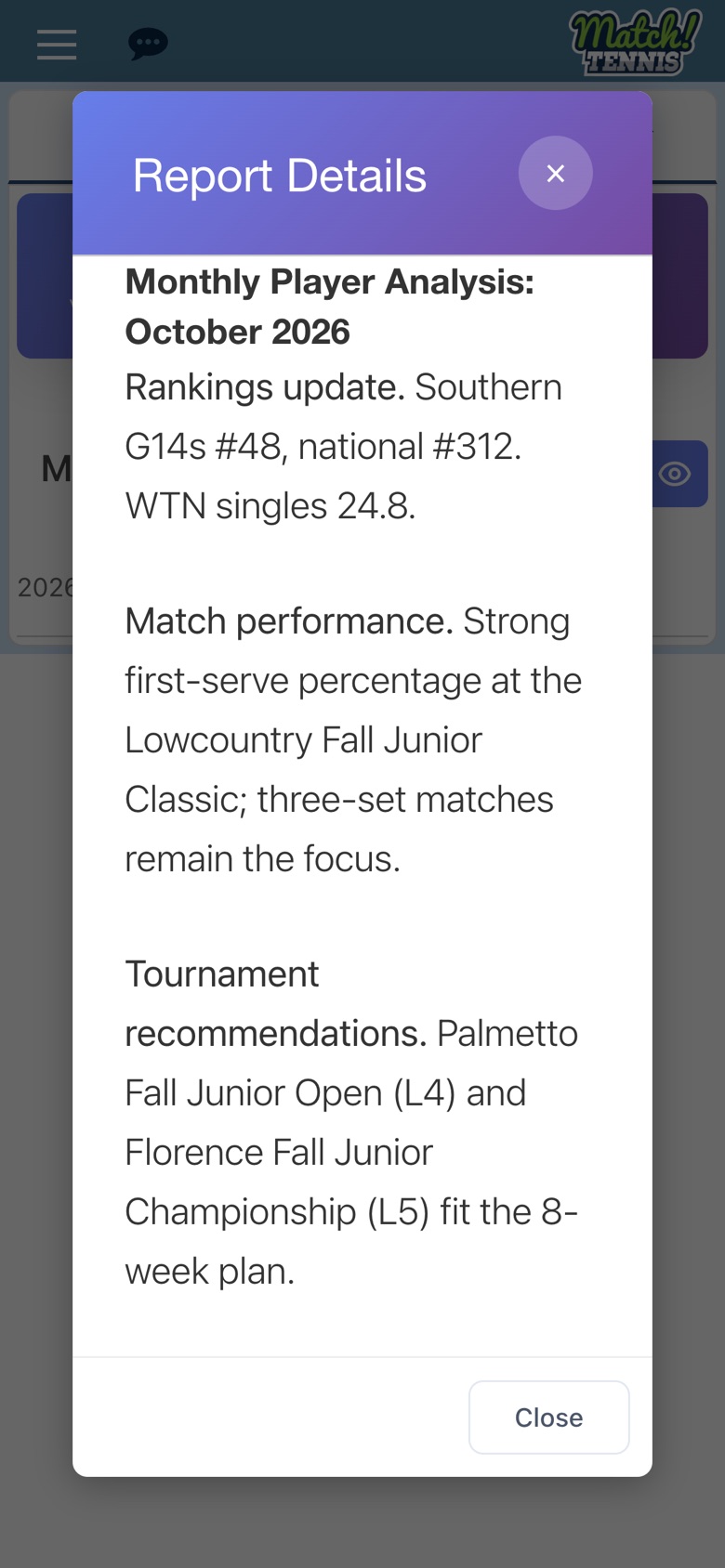
Step 7: Read the report
Reports cover rankings, match performance and tournament recommendations. Tap Close when you're done.
-
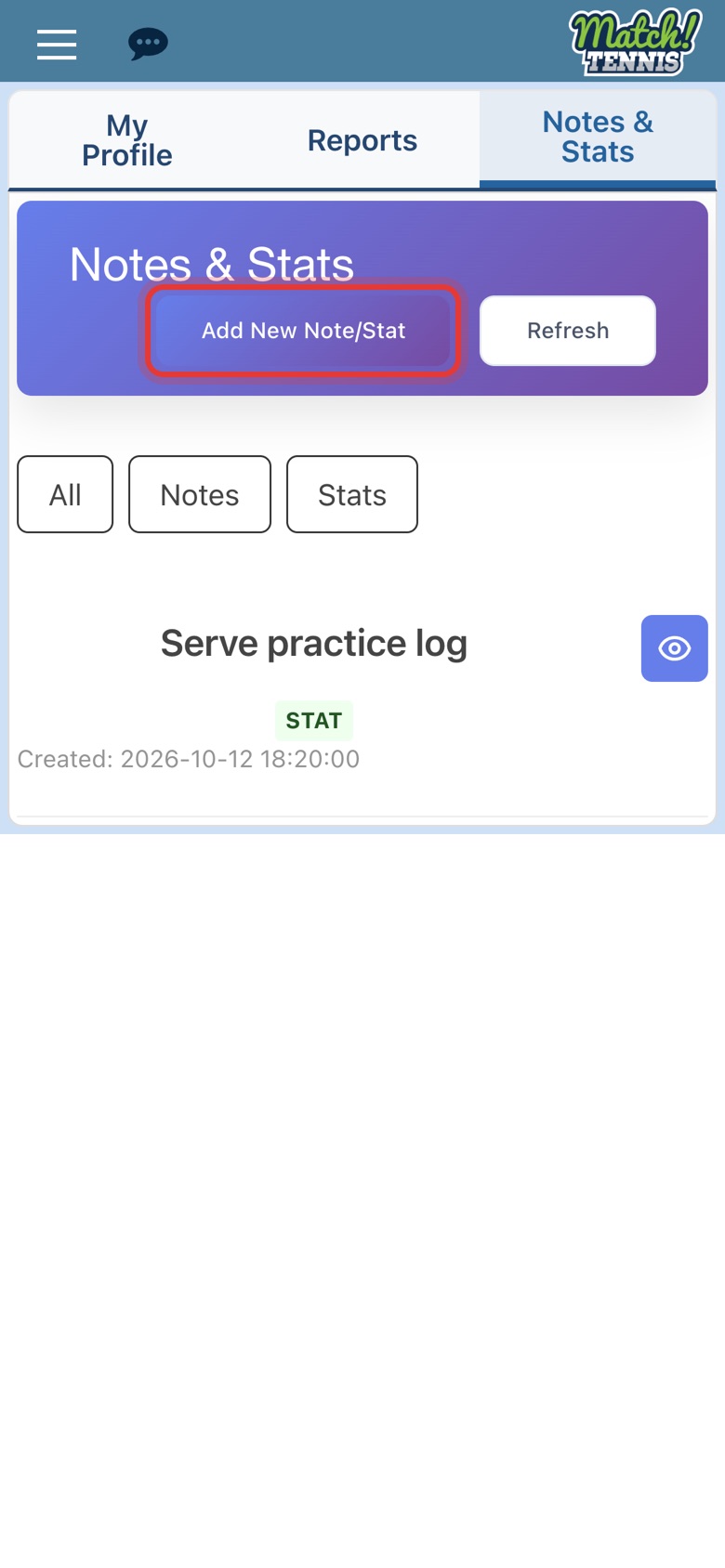
Step 8: Open Notes & Stats
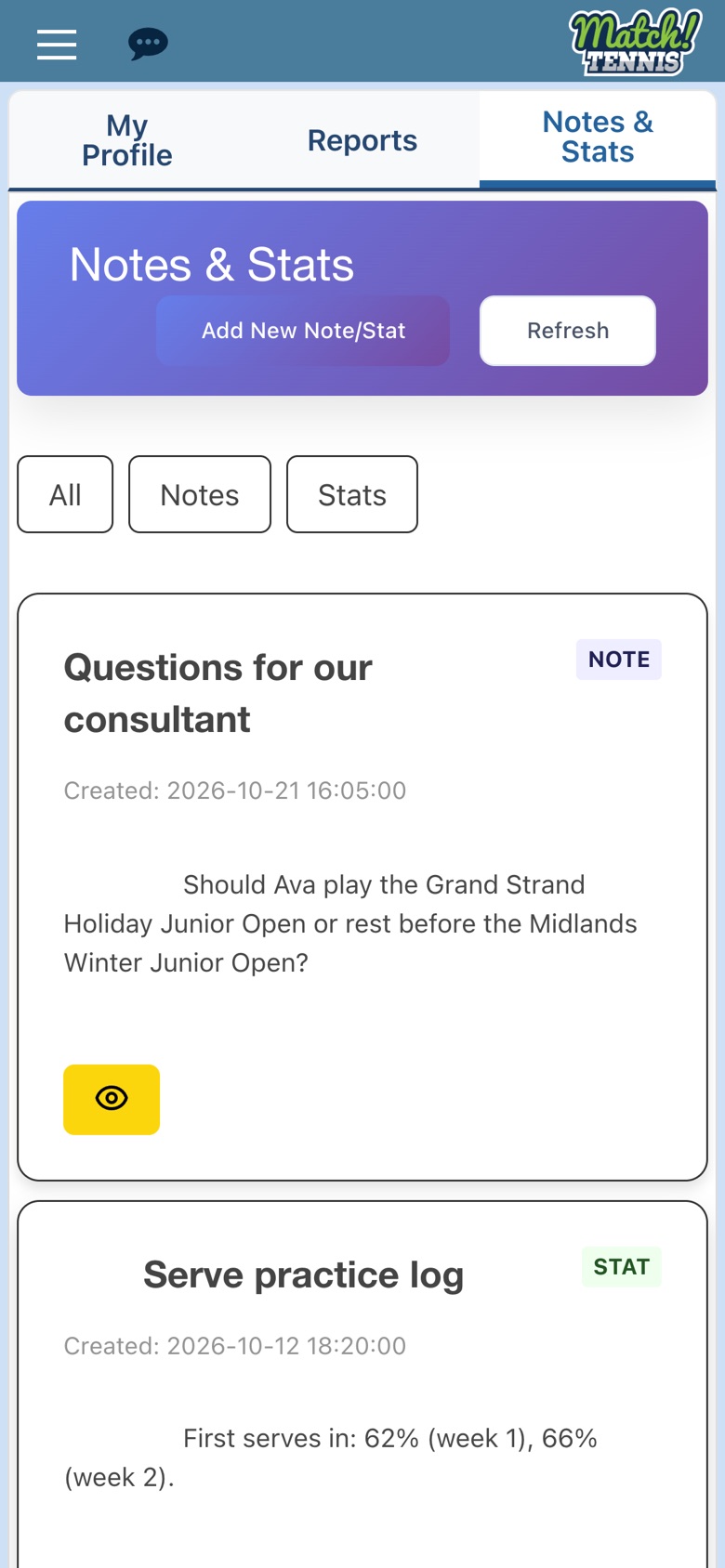
Notes & Stats is where you share notes and stats with your consultant. Tap Add New Note/Stat.
-
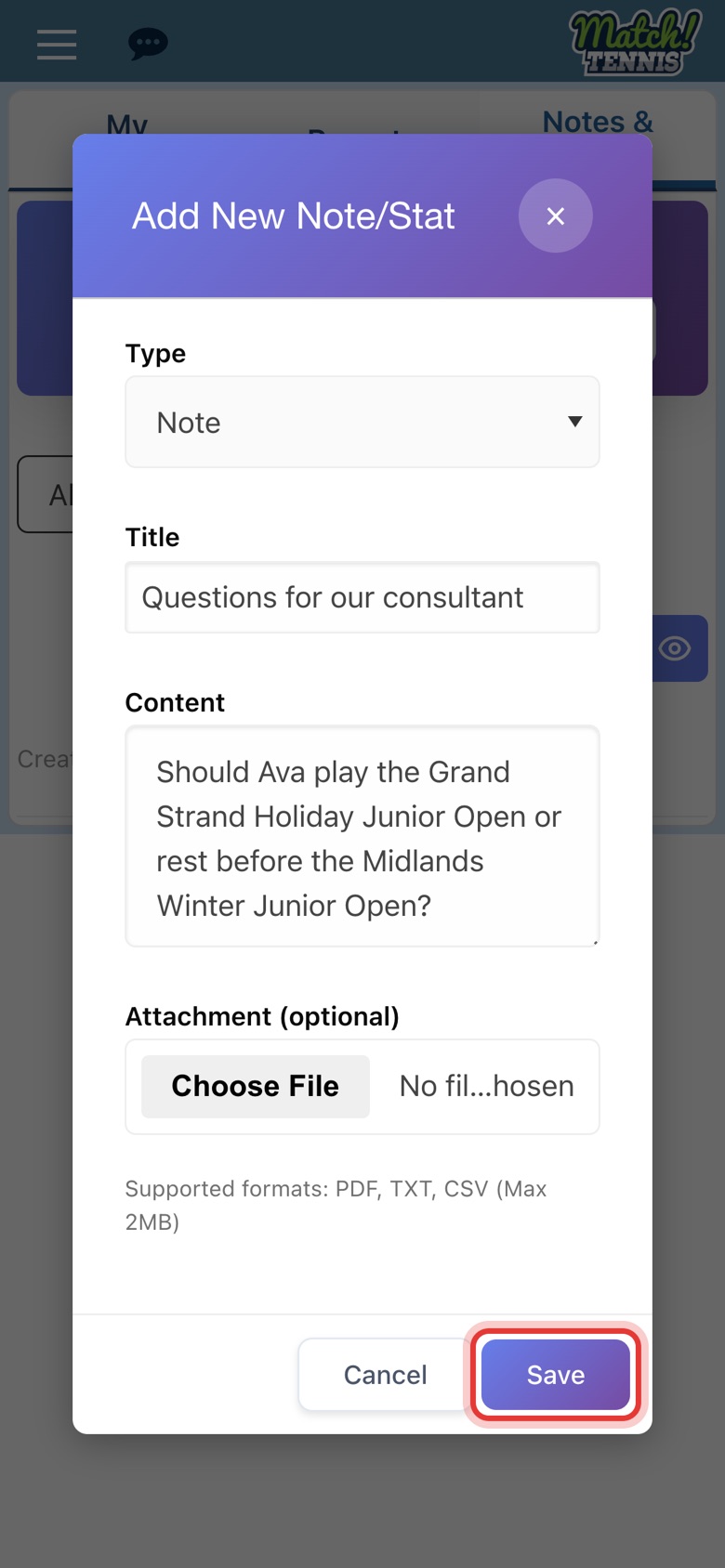
Step 9: Write a note and save
Choose Note or Stat, add a title and your note. You can attach a PDF, TXT or CSV file. Tap Save.
-
Step 10: Your note is shared
The note appears at the top of the list. Use All, Notes and Stats to filter.
Before you start
- Have a free account. Sign up free, no credit card needed.
- Add your player to My Players. ProMentor uses your player's rankings, records and ratings. See how to search and add a player.
Tips
- Start with the free consultation. It's a 15-minute call about your player's level and goals, and it helps you pick the right package.
- Keep My Profile current. Your consultant builds reports from it. Update goals, training and budget whenever they change.
- Questions? Email support@promentortennis.com.
Learn more about ProMentor and its packages.