How to Use Mental Edge in Match Tennis App
Players & scouting Updated November 7, 2026 1 min read
Mental Edge brings HeadGames Tennis, our official mental training partner, into the app. The quiz and the video library are free for every user.
Part 1Open Mental Edge
-
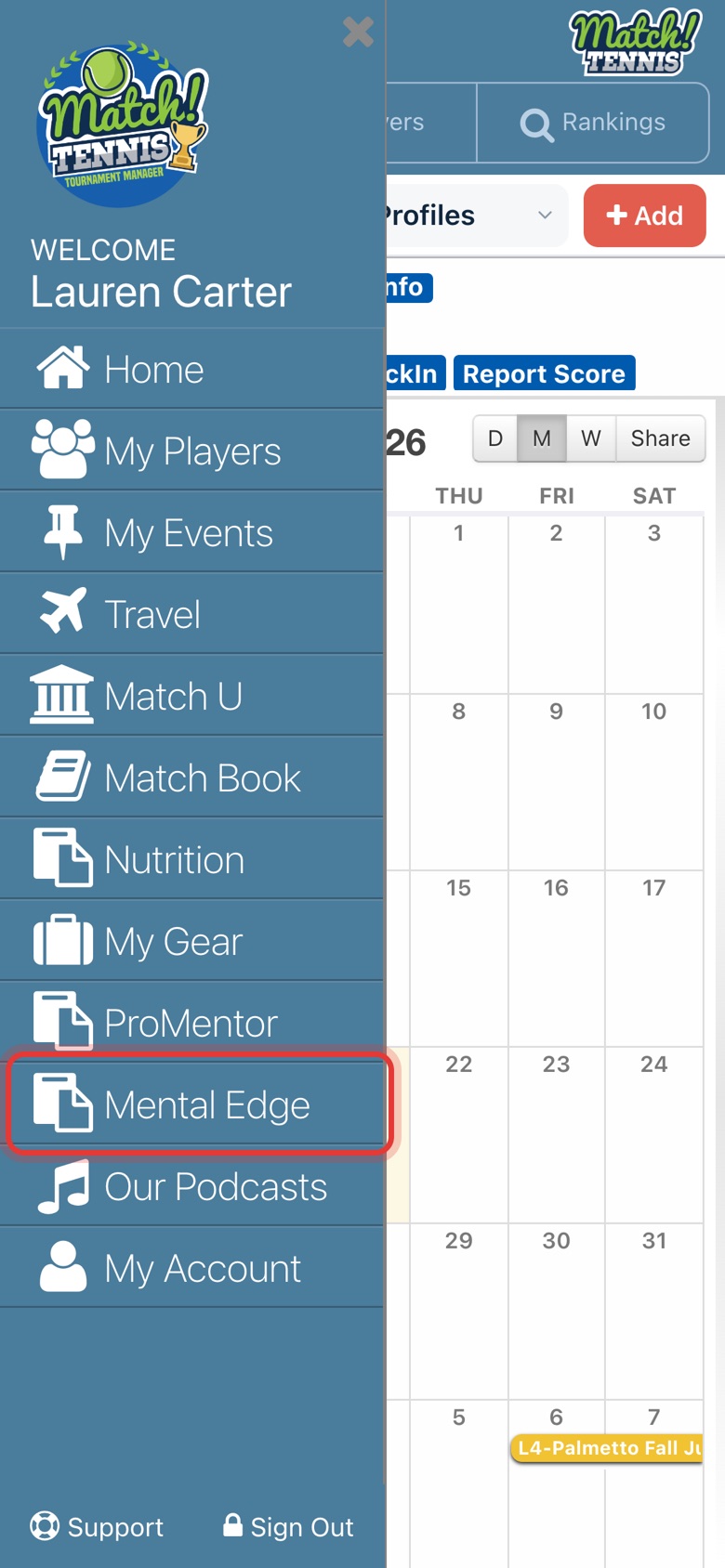
Step 1: Open Mental Edge
Tap the menu, then Mental Edge.
-
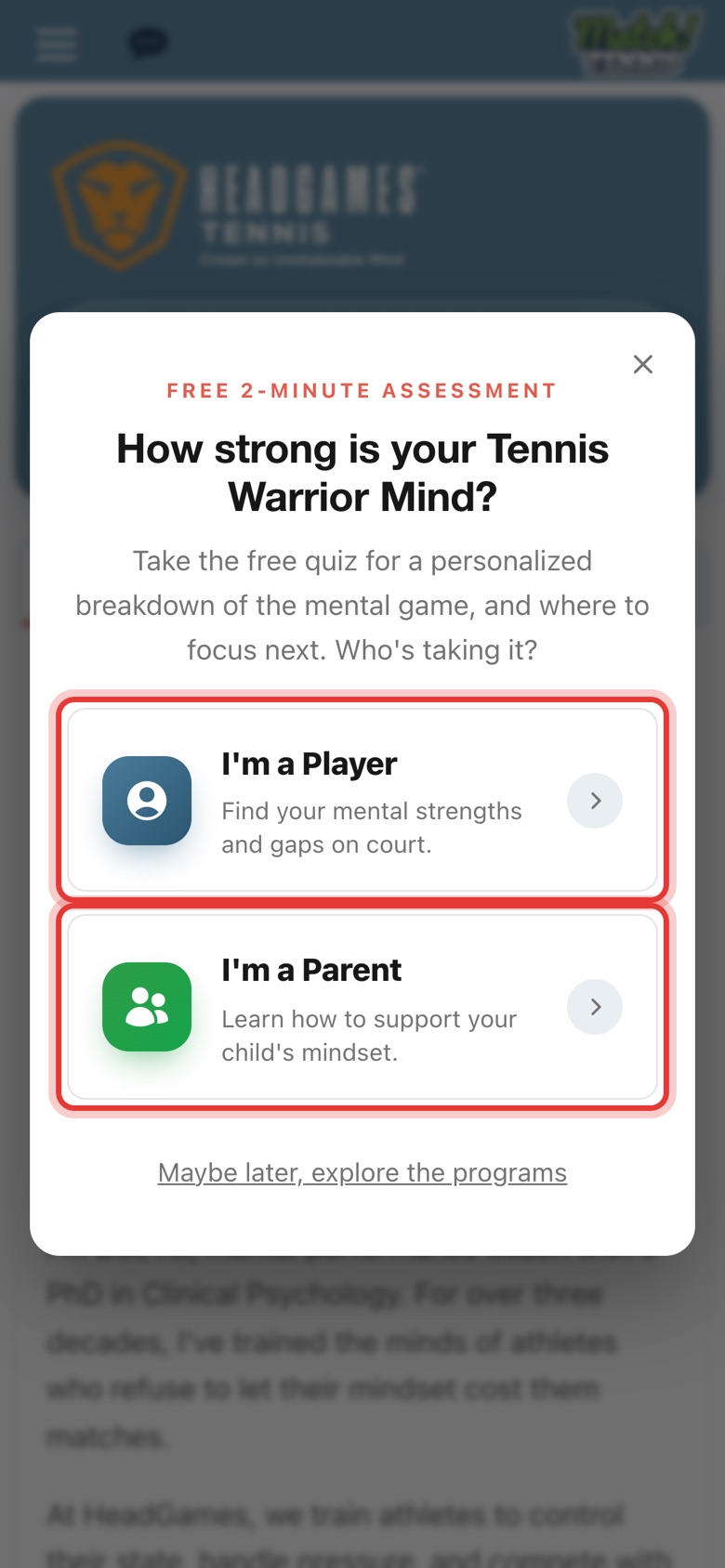
Step 2: Take the free quiz
Choose I'm a Player or I'm a Parent to take the free 2-minute quiz on headgamestennis.com. Or tap Maybe later to explore first; you can take it anytime from the HeadGames tab.
Part 2Explore the program
-
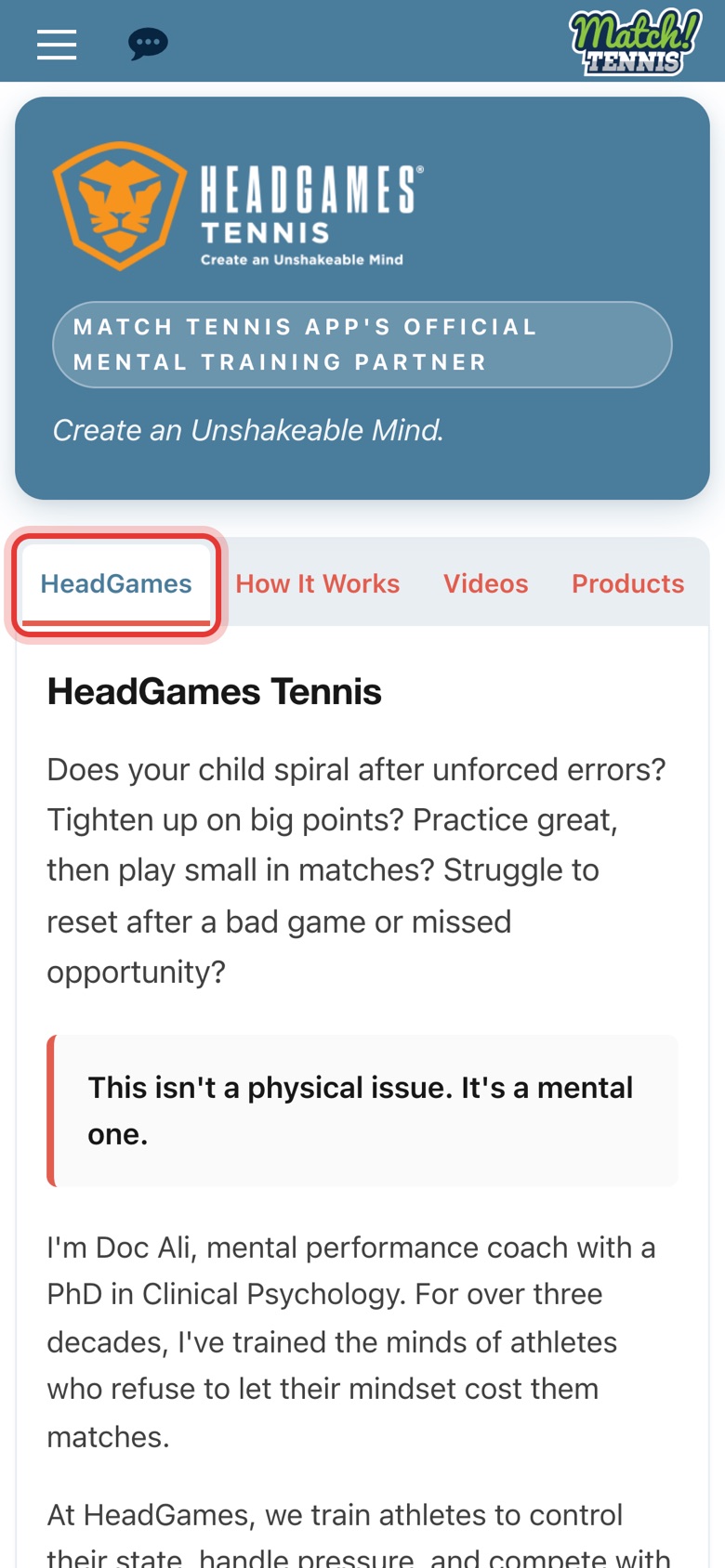
Step 3: Meet HeadGames
The HeadGames tab introduces Doc Ali, a mental performance coach with a PhD in Clinical Psychology, and what the program helps with.
-
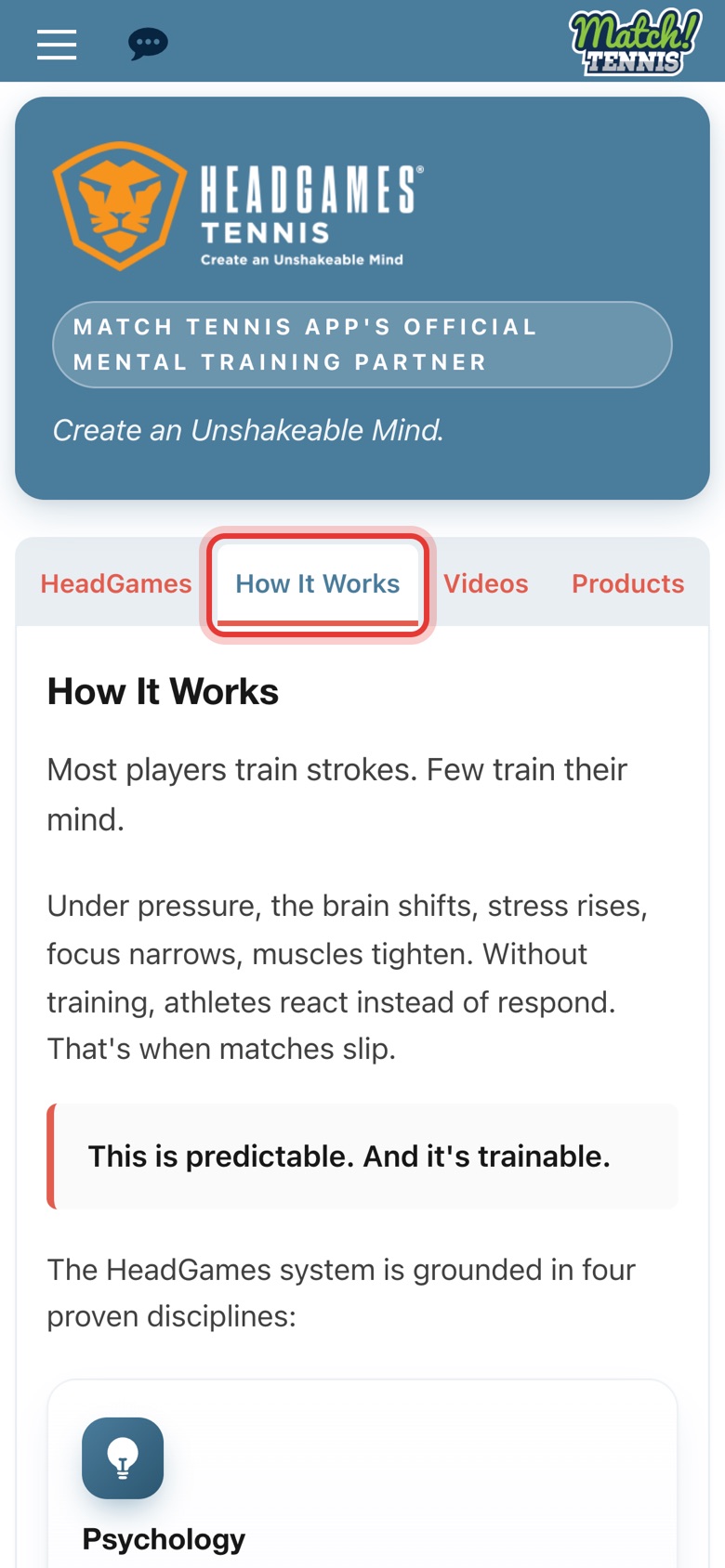
Step 4: See how it works
How It Works explains why players react under pressure and the four disciplines HeadGames training is built on.
-
Step 5: Watch the videos
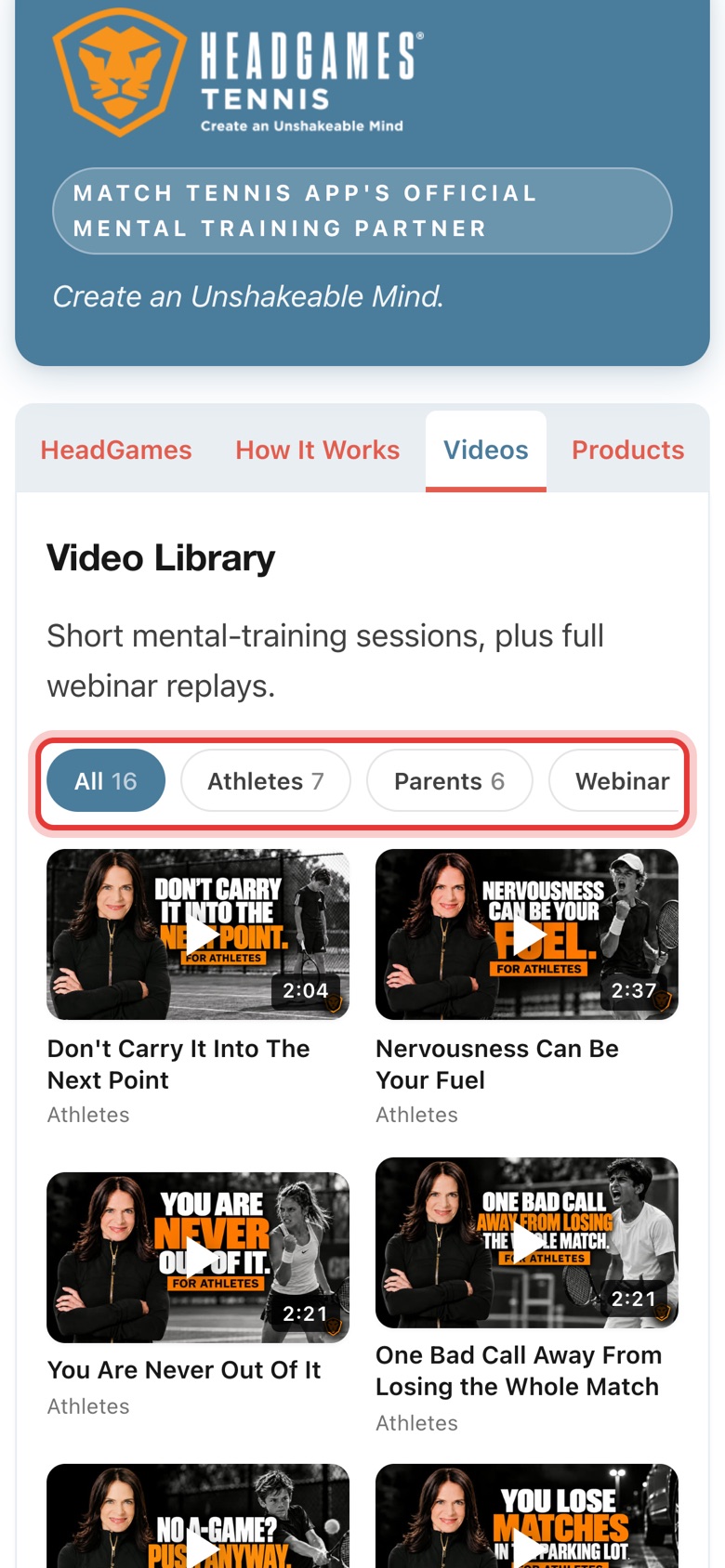
Videos has short sessions for players and parents, plus full webinar replays. Tap Athletes, Parents or Webinar to filter, then tap a video to play it.
-
Step 6: Go further with a course or coaching
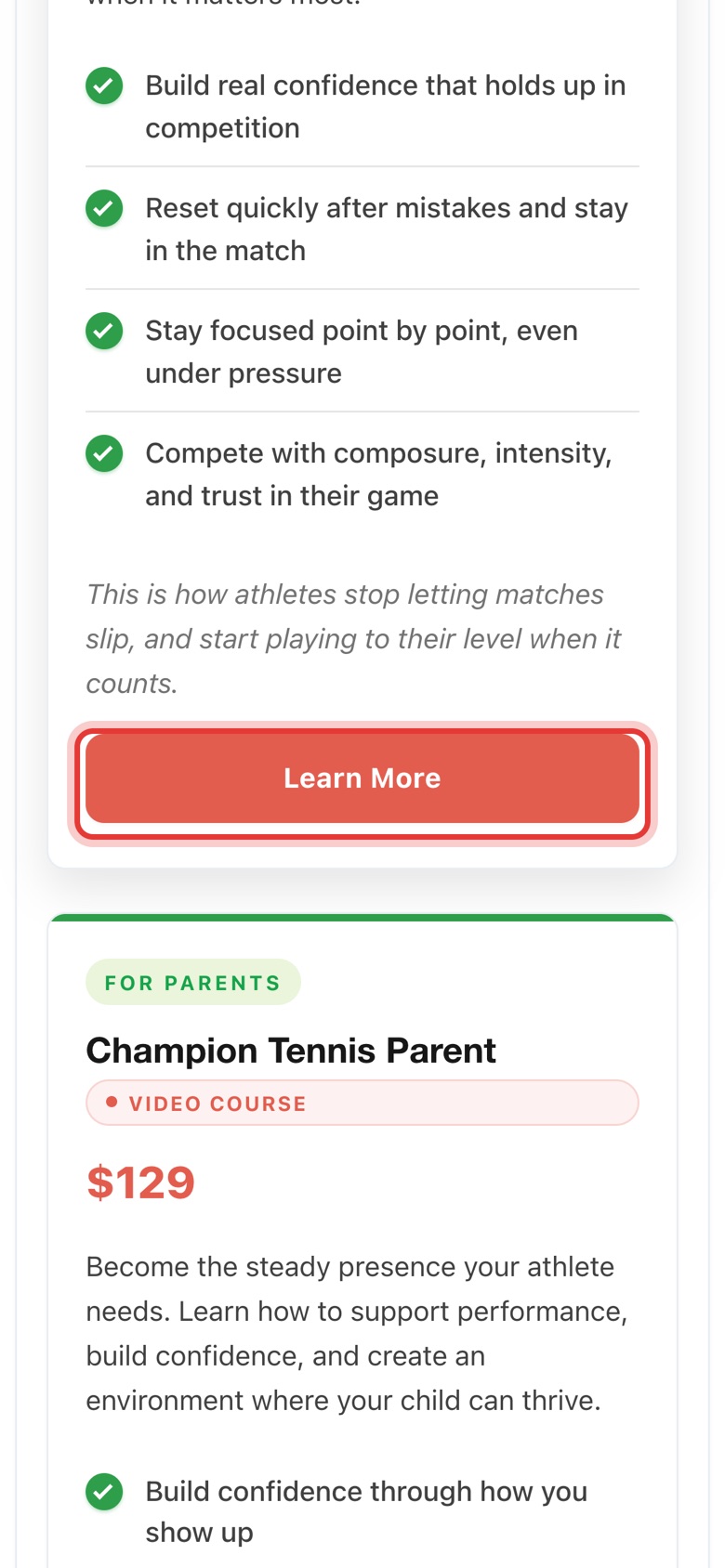
Products lists Tennis Warrior Mind for athletes, Champion Tennis Parent and private coaching. Tap Learn More to see details on headgamestennis.com.
Tips
- Players and parents both have a quiz. Take both from the HeadGames tab ("Take the free 2-minute assessment") to see where each of you can focus.
- Watch before a tournament. Most videos are about two minutes, short enough for the car ride or between matches.
- Courses and coaching are bought on headgamestennis.com. HeadGames Tennis handles purchases and access.
Learn more about Mental Edge and HeadGames Tennis.