How to Compare Two Players Head to Head (VS)
Players & scouting Updated November 1, 2026 1 min read
Check your player's record against an upcoming opponent, even if they have never played. It takes about a minute.
Part 1Open VS
-
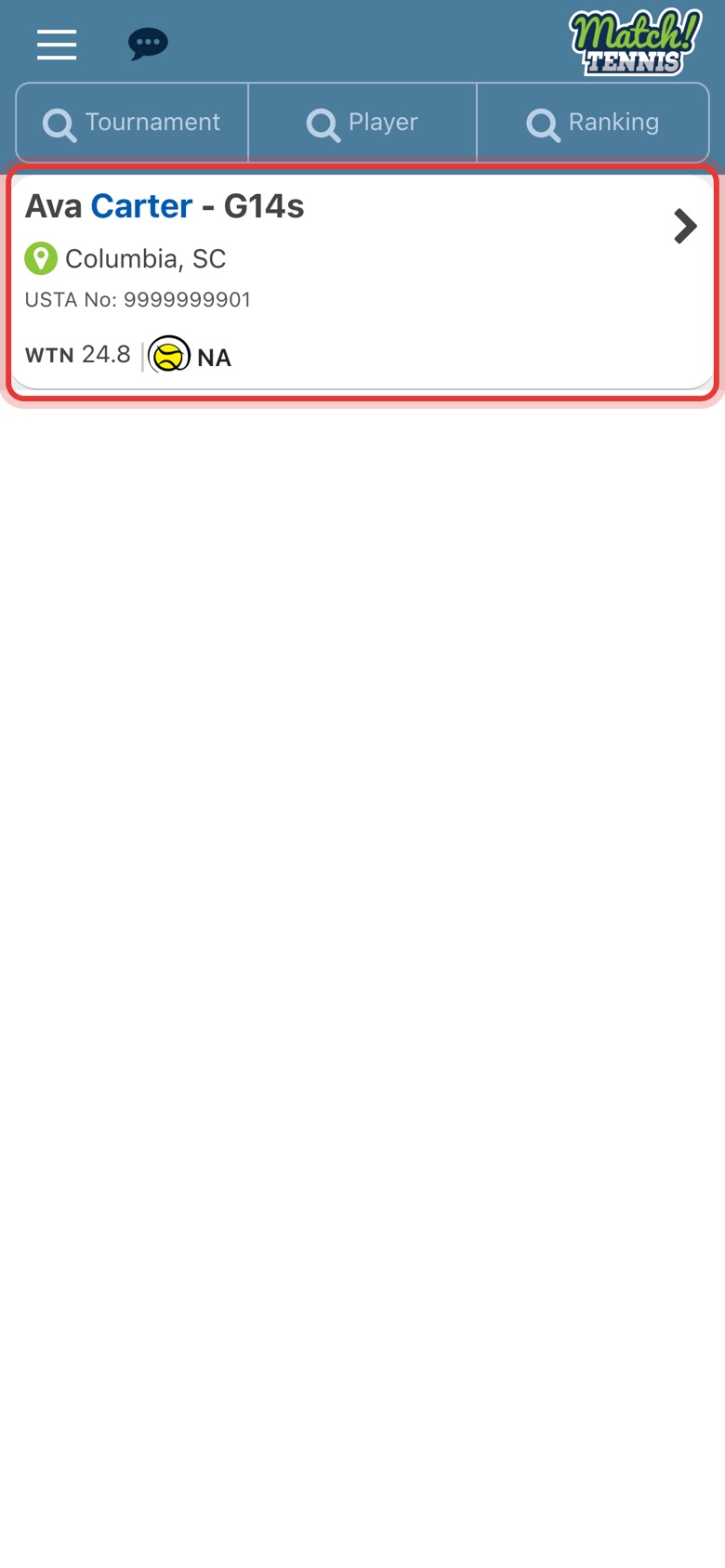
Step 1: Open your player
Tap the menu at the top left, tap My Players, then tap your player.
-
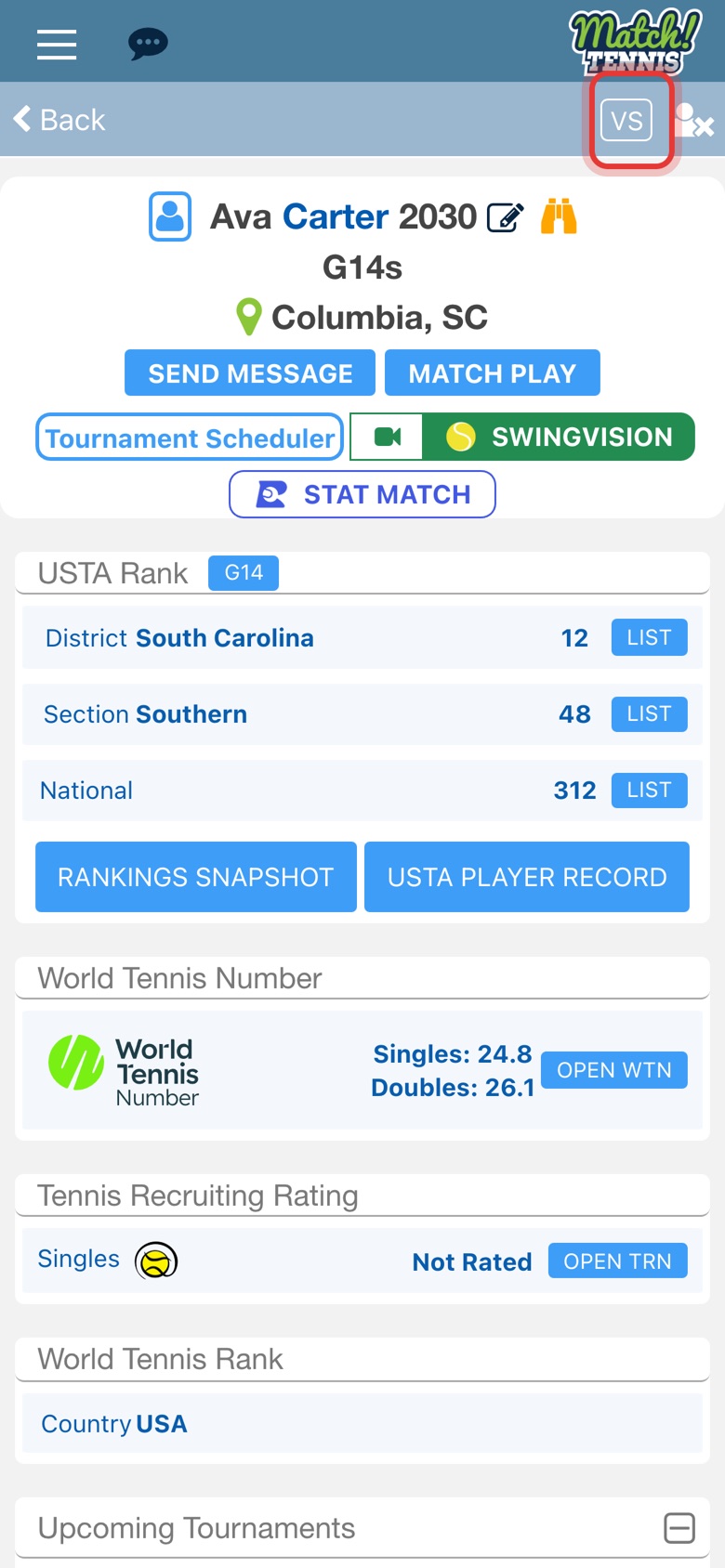
Step 2: Tap VS
VS is at the top right of the player's profile.
Part 2Choose the opponent
-
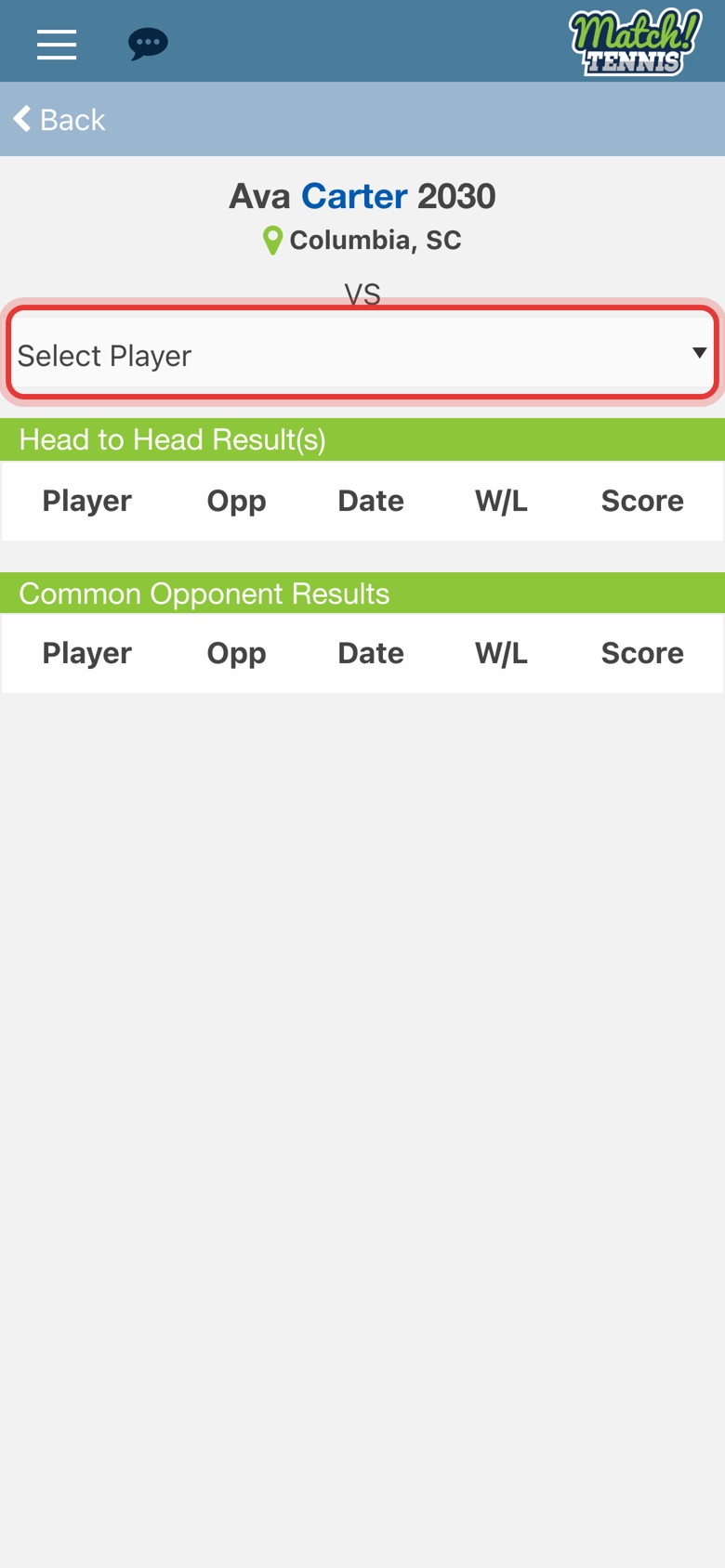
Step 3: Tap Select Player
Your own players are listed here. To compare with anyone else, pick Search Other Player.
-
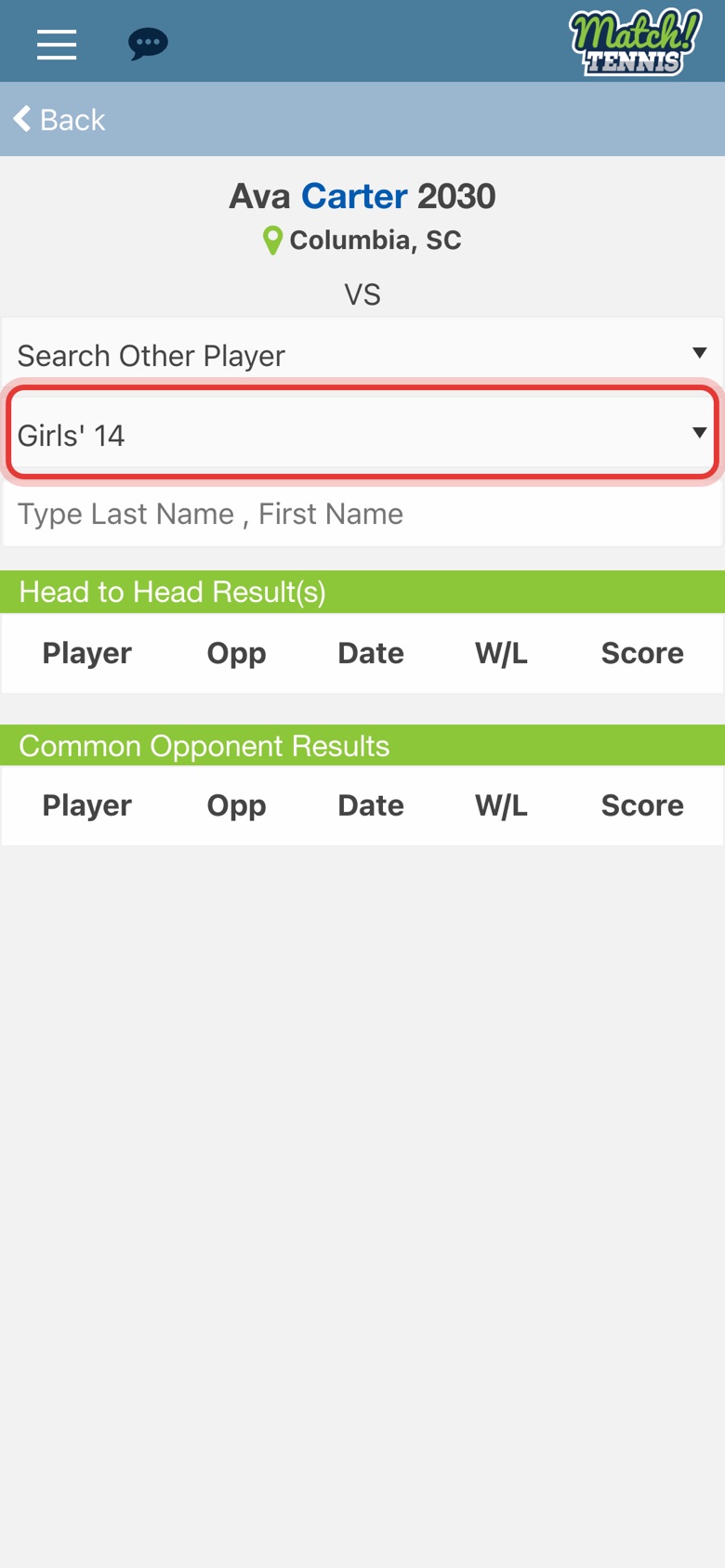
Step 4: Pick the age group
Choose the opponent's age group, for example Girls' 14.
-
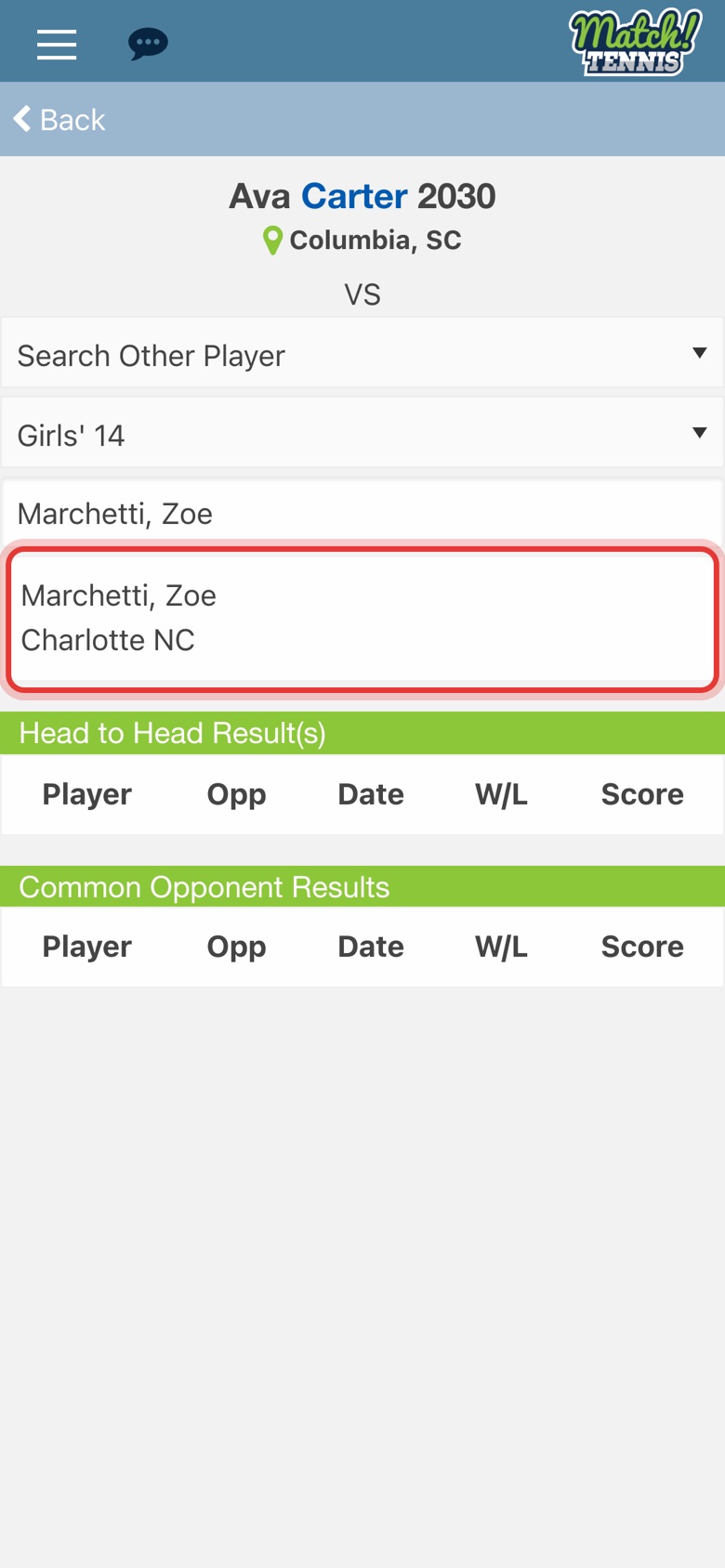
Step 5: Type the name, then tap the player
Type the last name, a comma and the first name. Then tap the right player in the list.
Part 3Read the results
-
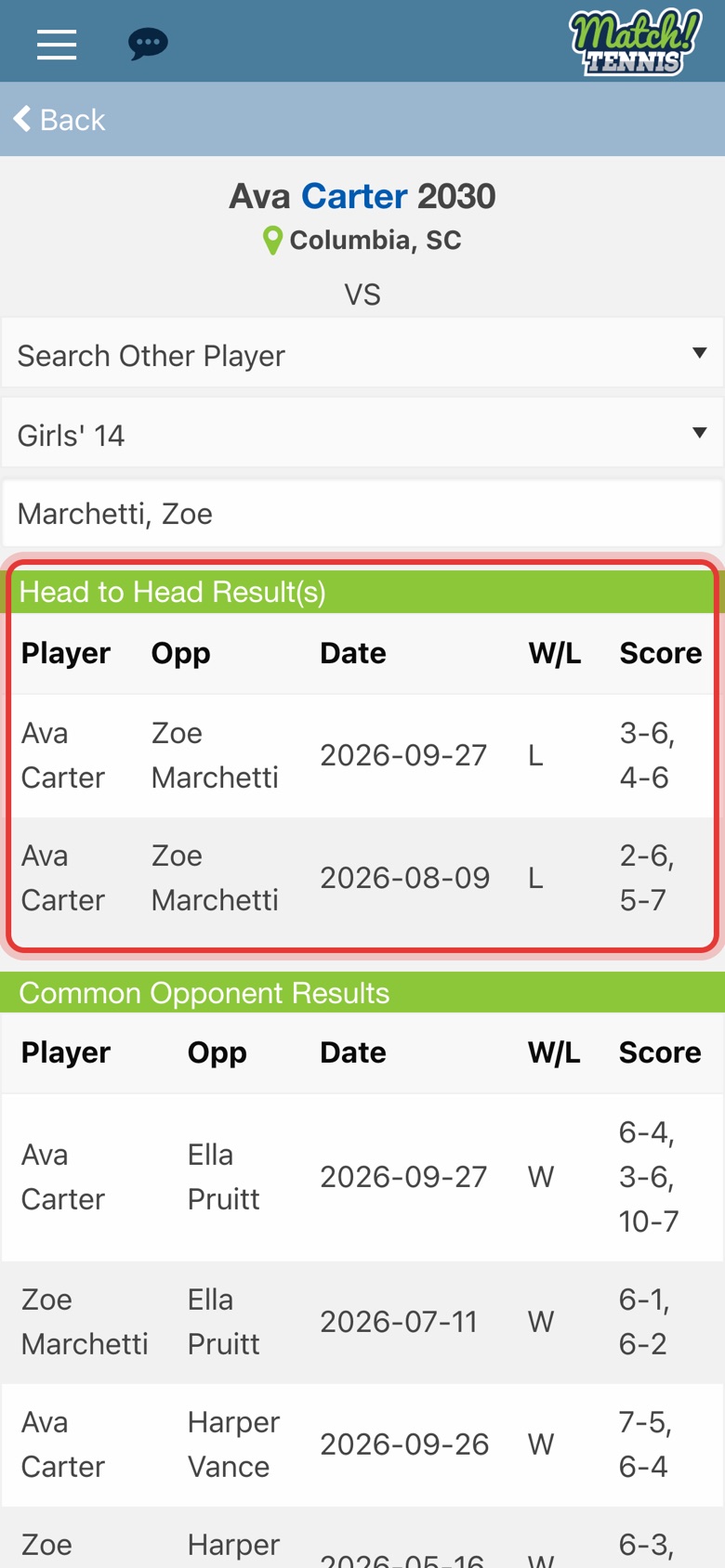
Step 6: See the head to head
Head to Head Result(s) lists every match the two have played, with the date, W or L and the score.
-
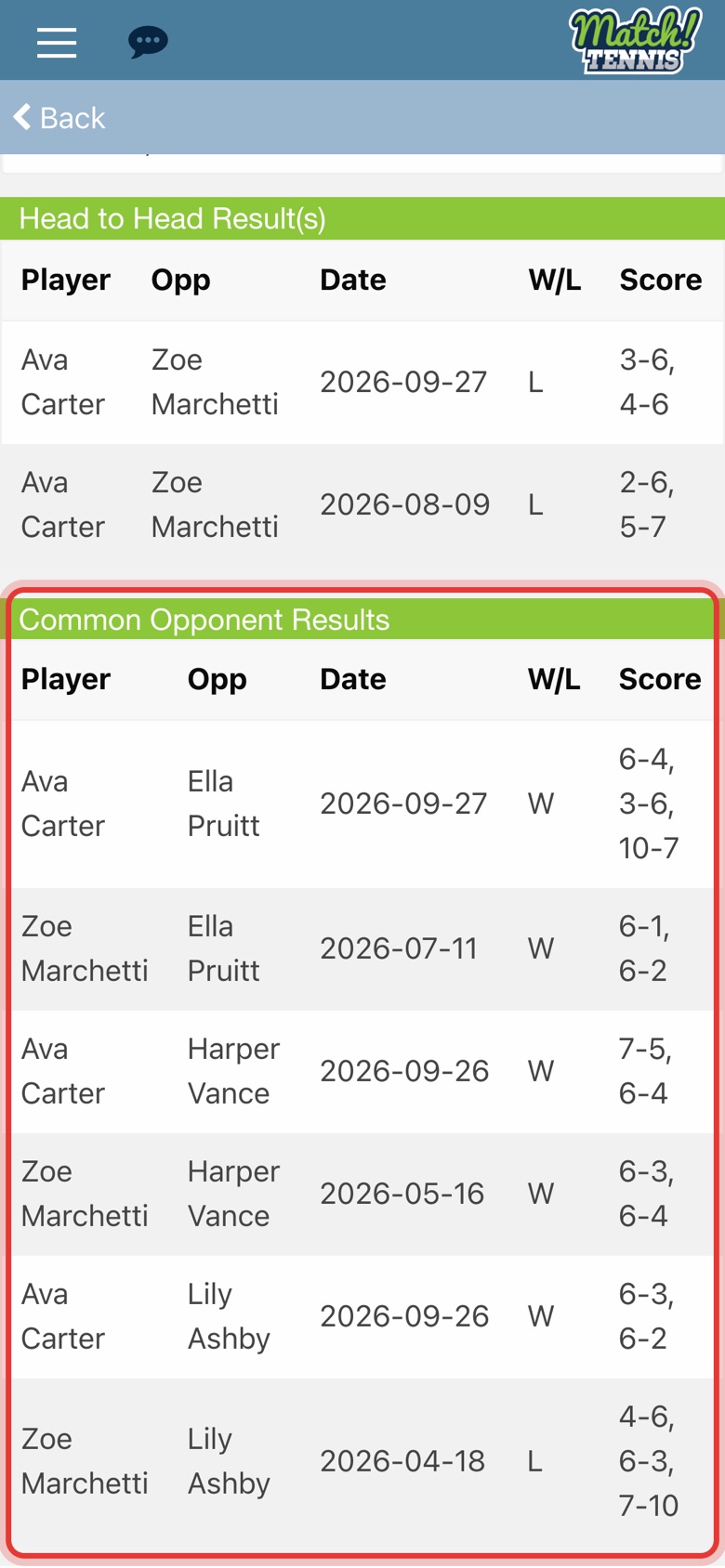
Step 7: See the common opponents
Common Opponent Results shows how each player did against the same opponents.
Tips
- Never played each other? Common opponents still give you an idea of how the match might go.
- Start from either player. VS is on every player's profile. Open the opponent's profile, tap VS and pick your player under Select Player.
- Look deeper. Tap USTA PLAYER RECORD on the opponent's profile to see all their recent matches. See How to See a Player's USTA Player Record.