How to Send a Message to a Player
Players & scouting Updated November 1, 2026 1 min read
Send a message from any player's profile and read the reply in your Inbox. It takes about a minute.
Part 1Find the player
-
Step 1: Find the player
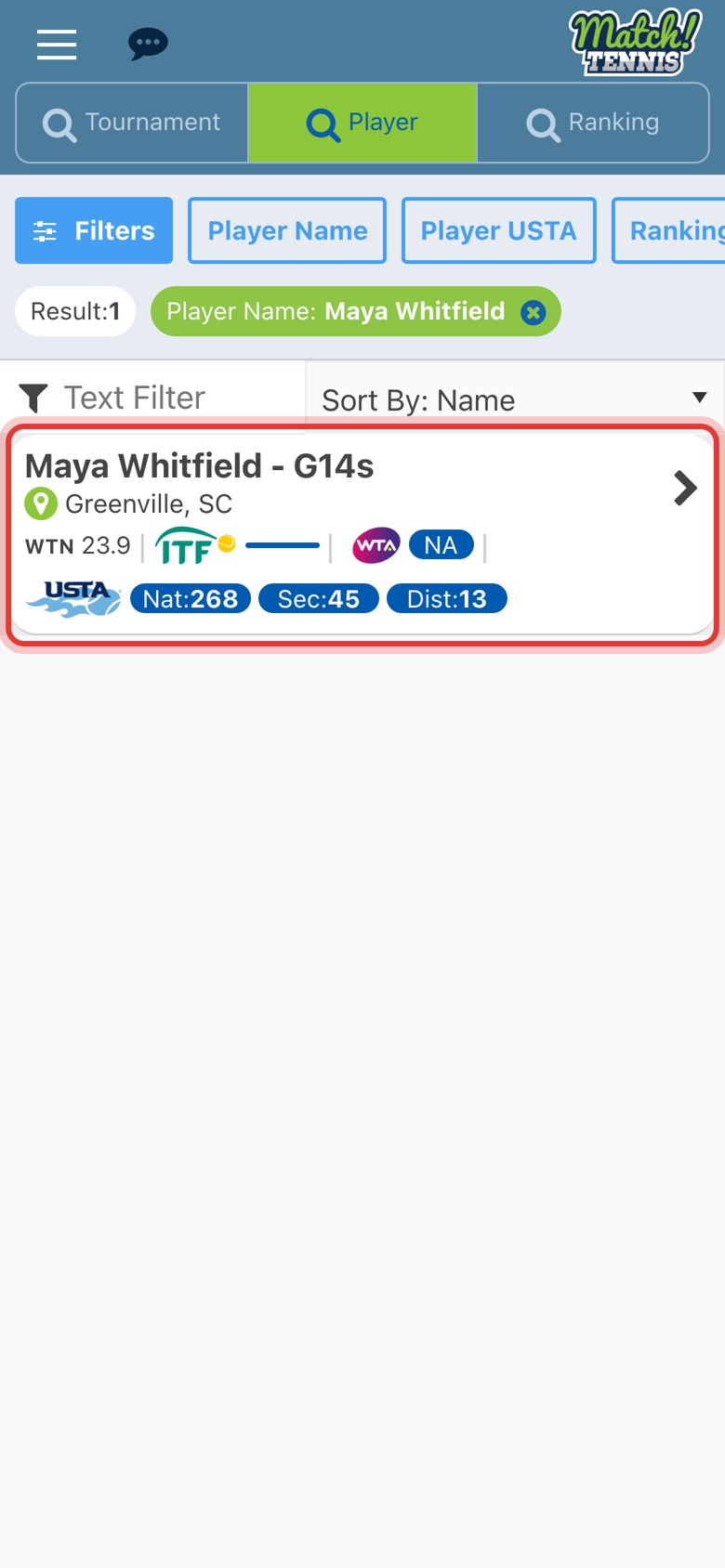
On Home, tap Players, tap Player Name, type the name and tap Done. Then tap the player.
-
Step 2: Tap SEND MESSAGE
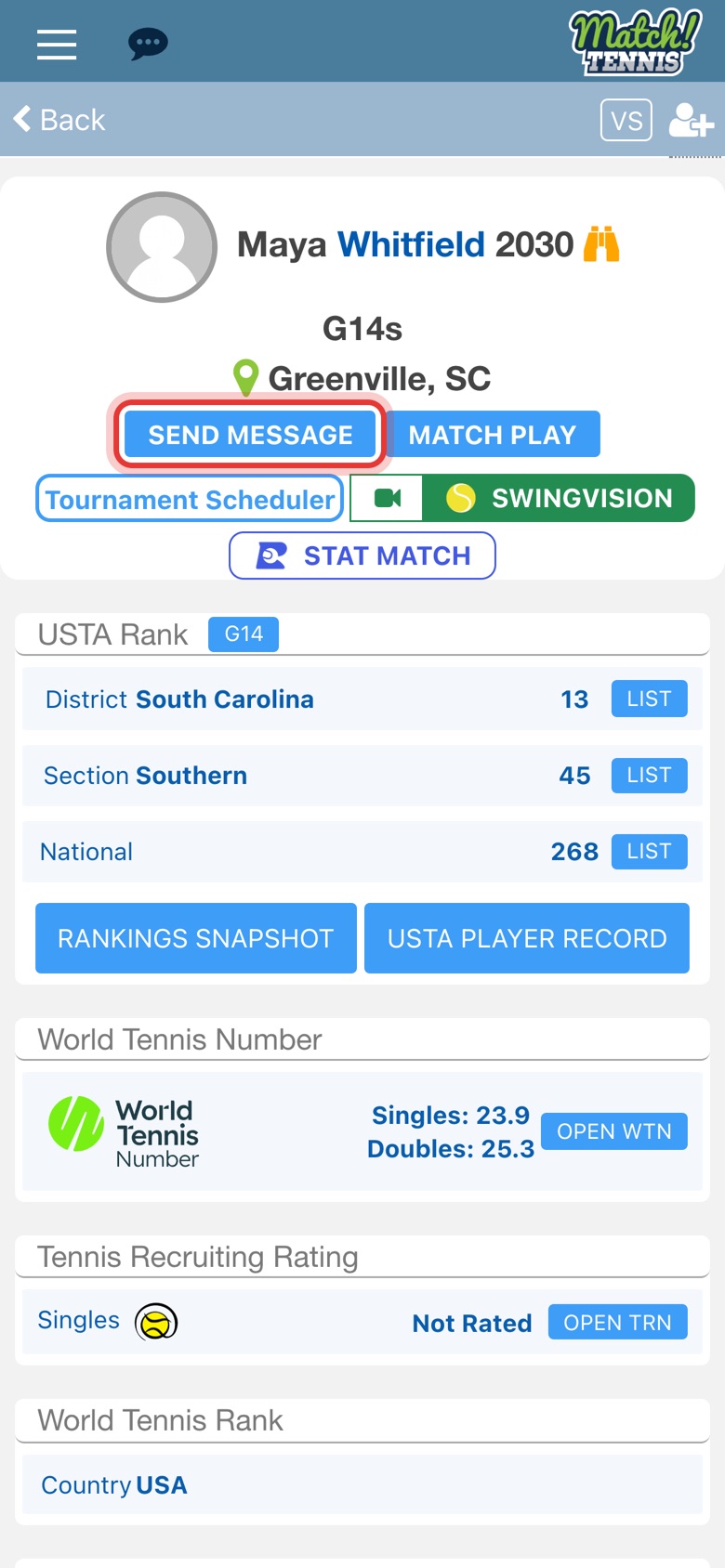
SEND MESSAGE is under the player's name and city on their profile.
Part 2Write and send
-
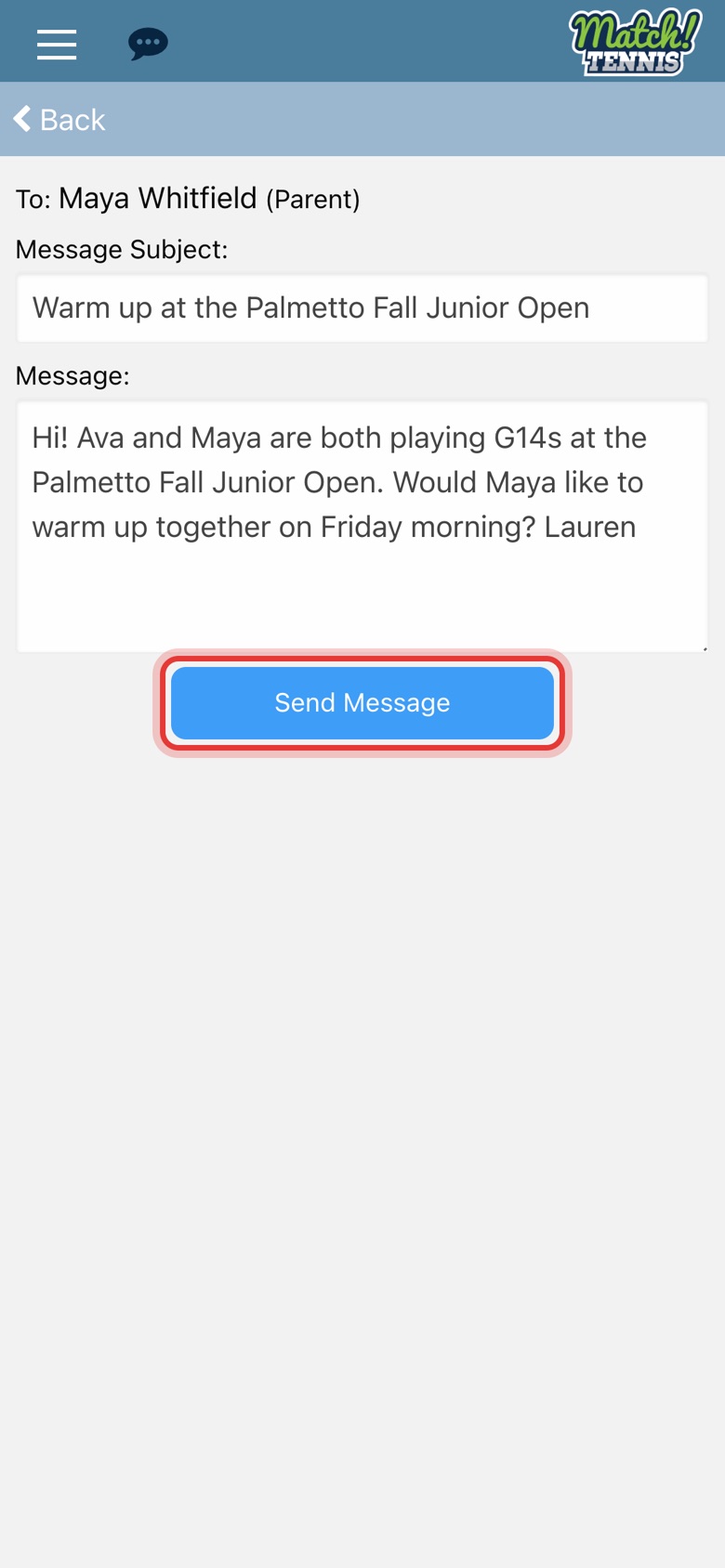
Step 3: Add a subject
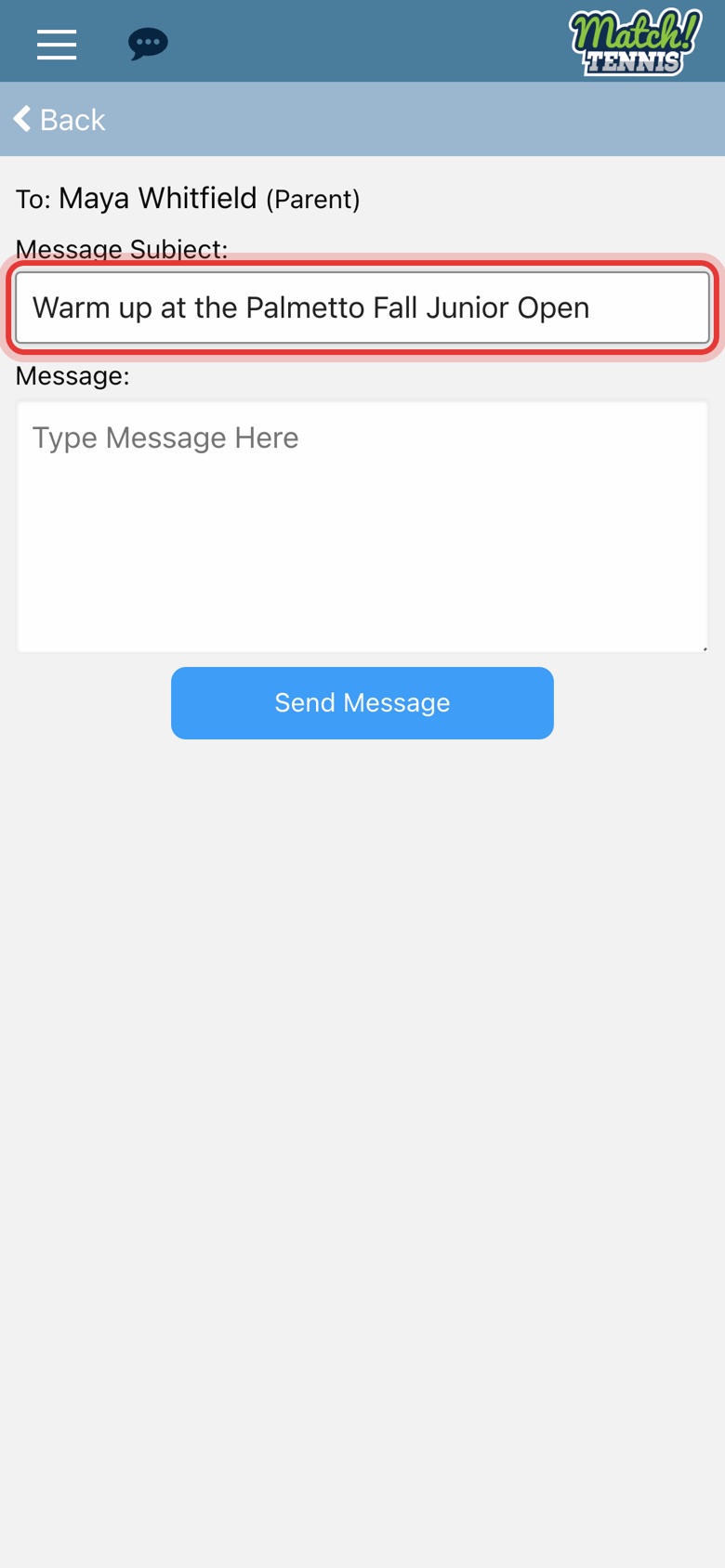
The To line shows the player and who gets the message, here the parent. Type a short subject.
-
Step 4: Write your message
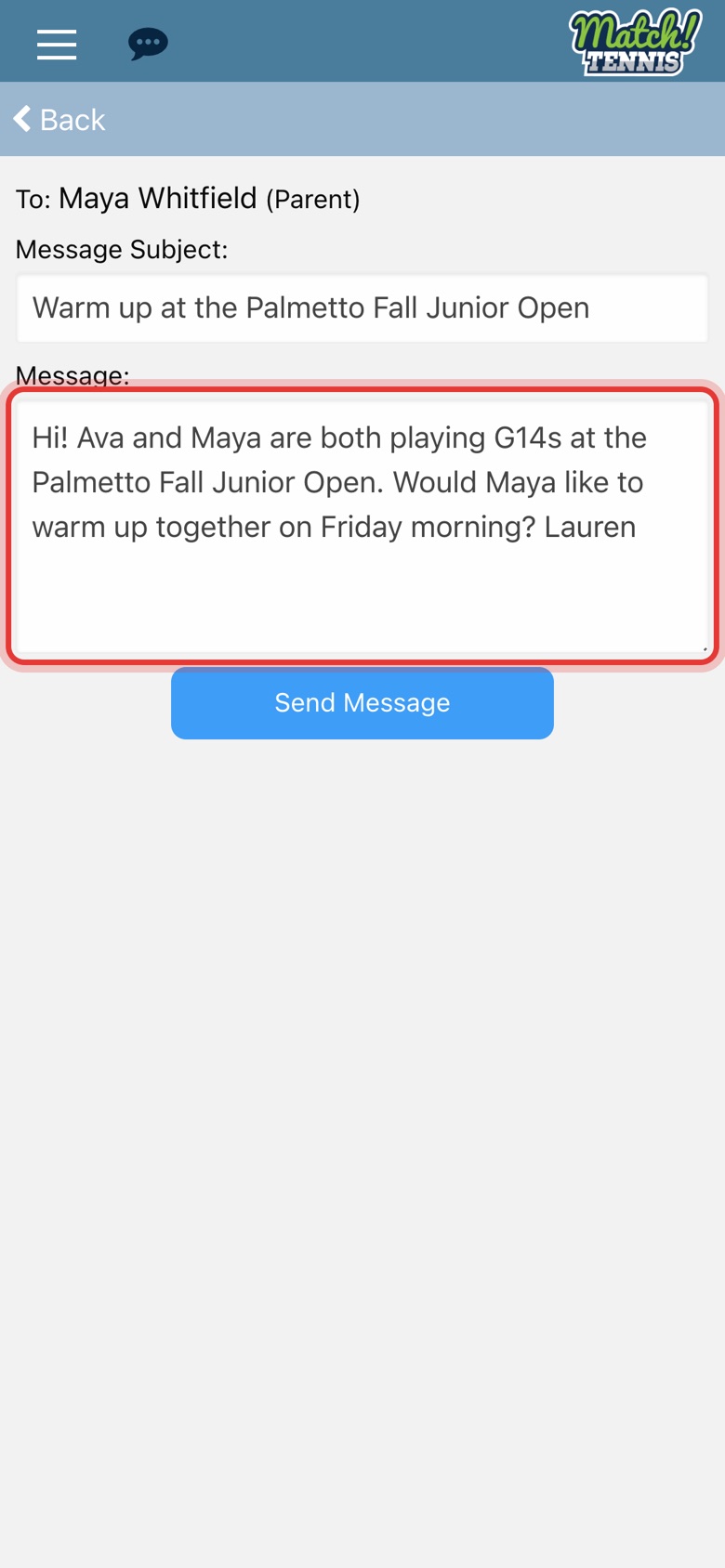
Type your message in the Message box.
-
Step 5: Tap Send Message
Check your message, then tap Send Message.
-
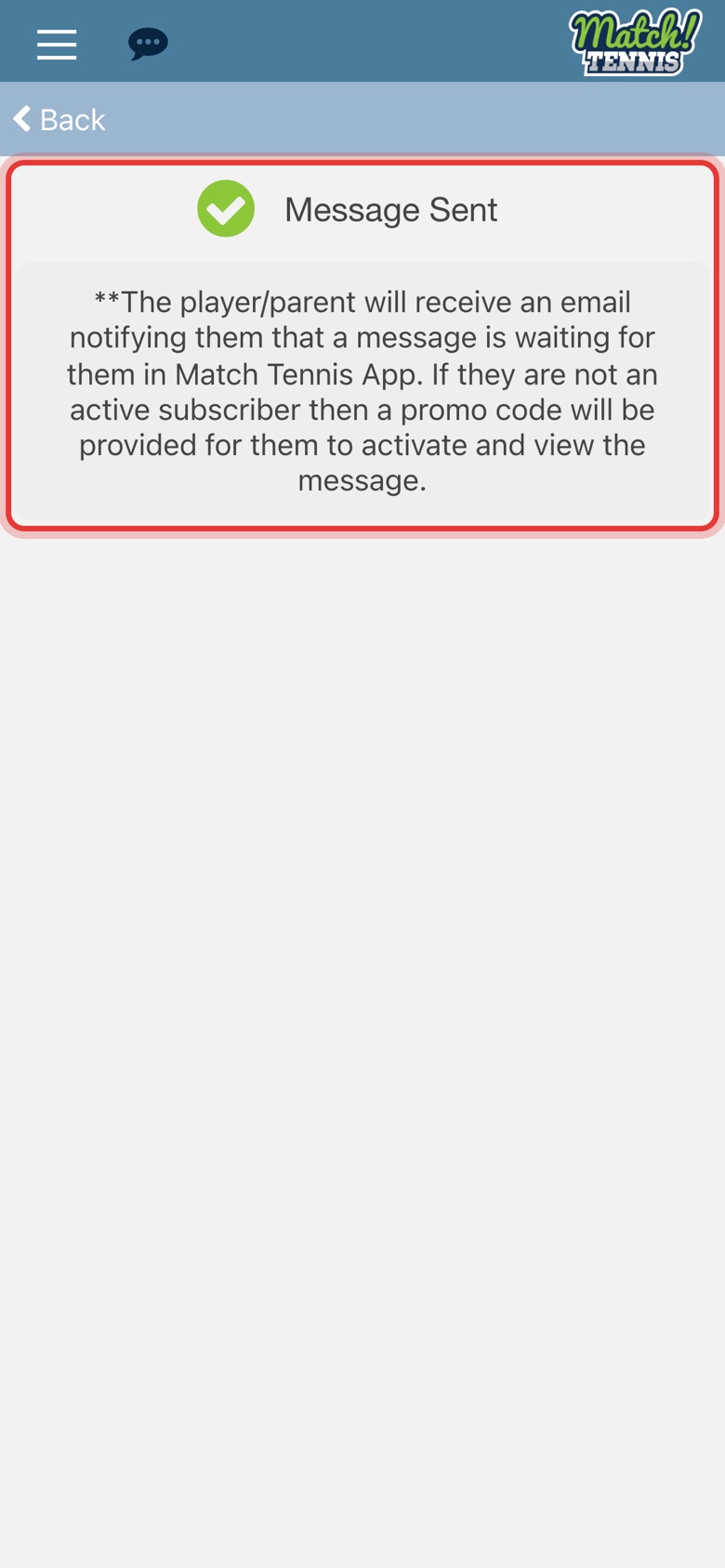
Step 6: The message is sent
The player or parent gets an email saying a message is waiting for them in Match Tennis App.
Part 3Read the reply
-
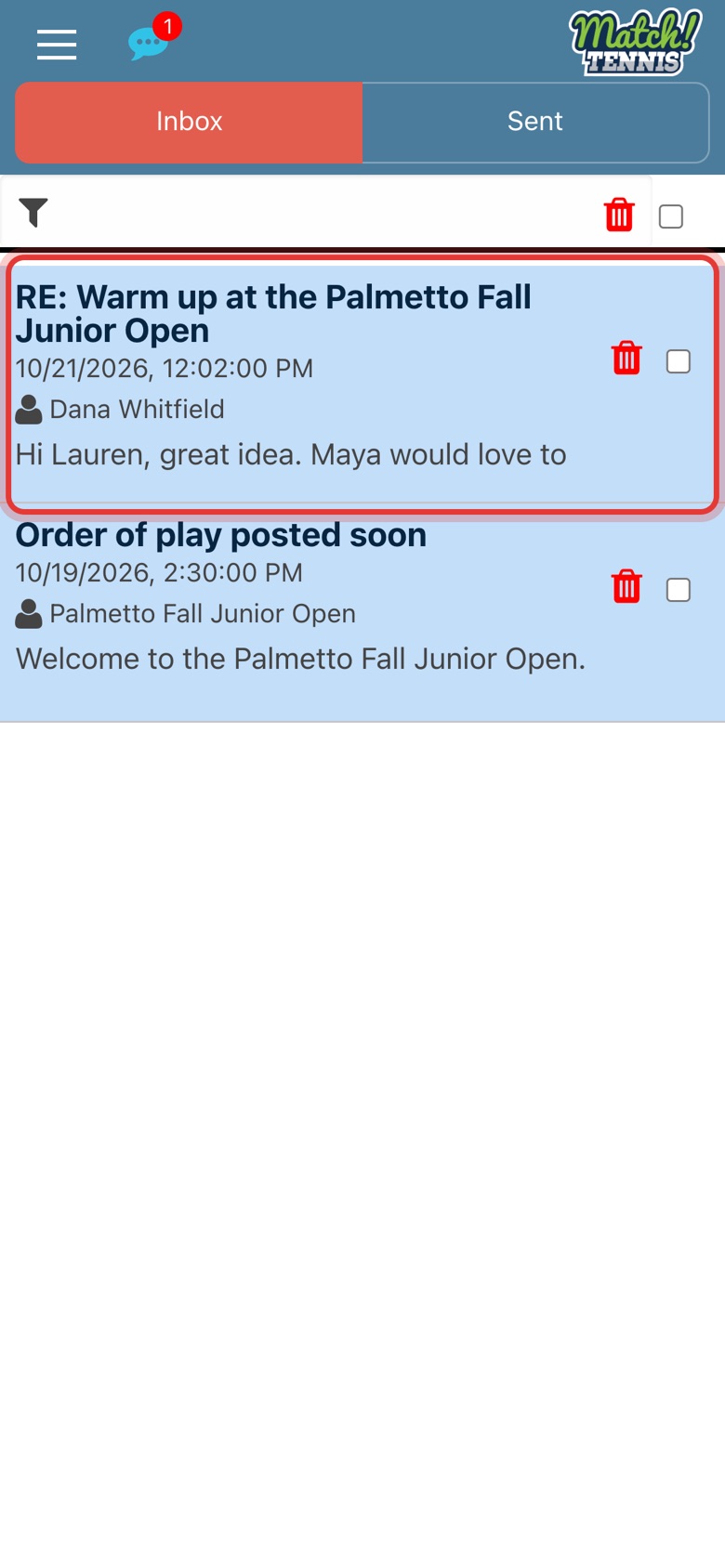
Step 7: Find the reply in your Inbox
Tap the chat bubble at the top of the screen. A red number shows new messages. Tap the reply to open it.
-
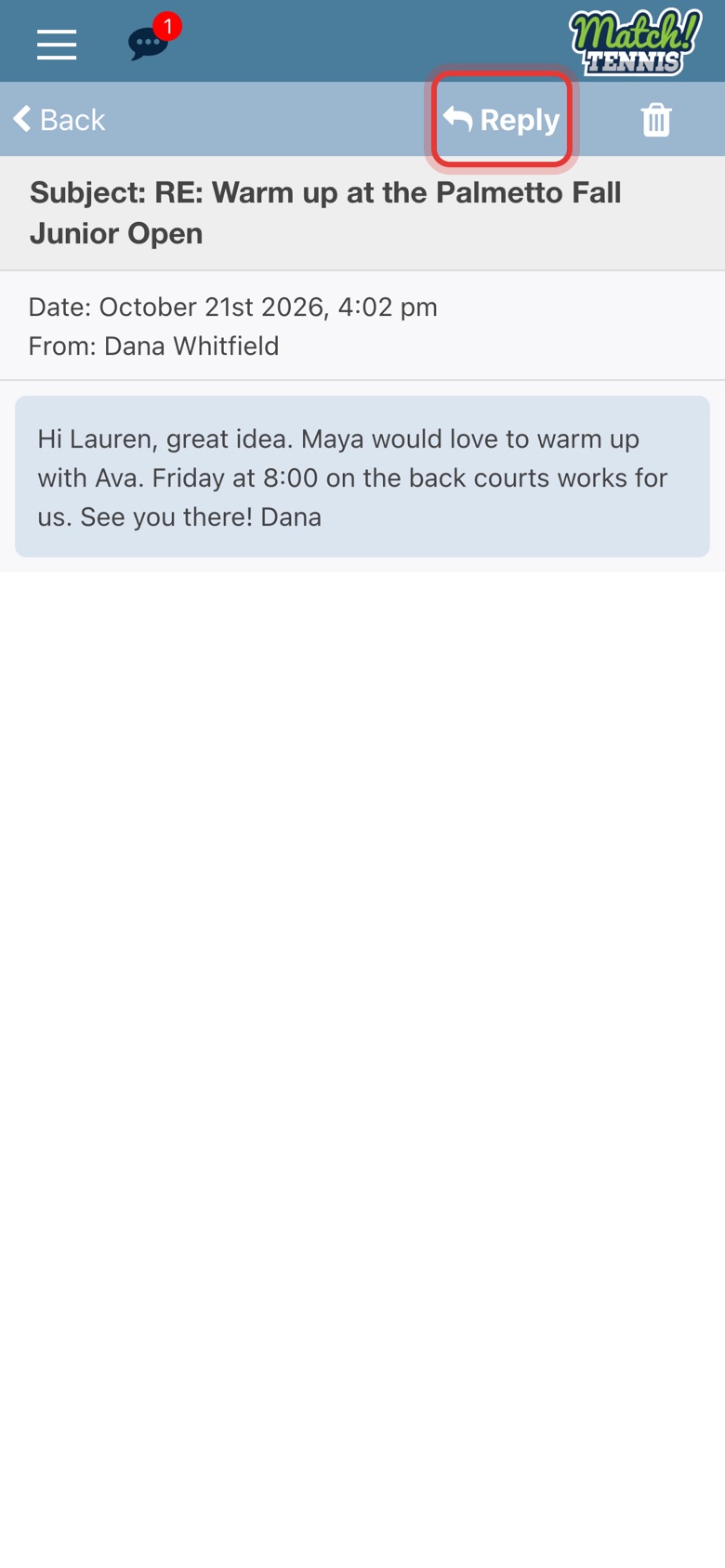
Step 8: Read it and reply
The message opens with the date and sender. Tap Reply at the top to answer.
Tips
- See what you sent. Tap Sent at the top of the Inbox.
- Want to set up a practice match? Tap MATCH PLAY next to SEND MESSAGE instead. It fills in an invite for you. See How to Find a Practice or Match Play Partner.
- Clear out old messages. Tap the trash icon on a message, or check several and tap the trash icon at the top of the Inbox.