The Smart Way to Plan Your Competitive Calendar
Turn a ranking goal into a tournament plan with the Tournament Scheduler
Match TennisCast November 19, 2026 2 min read
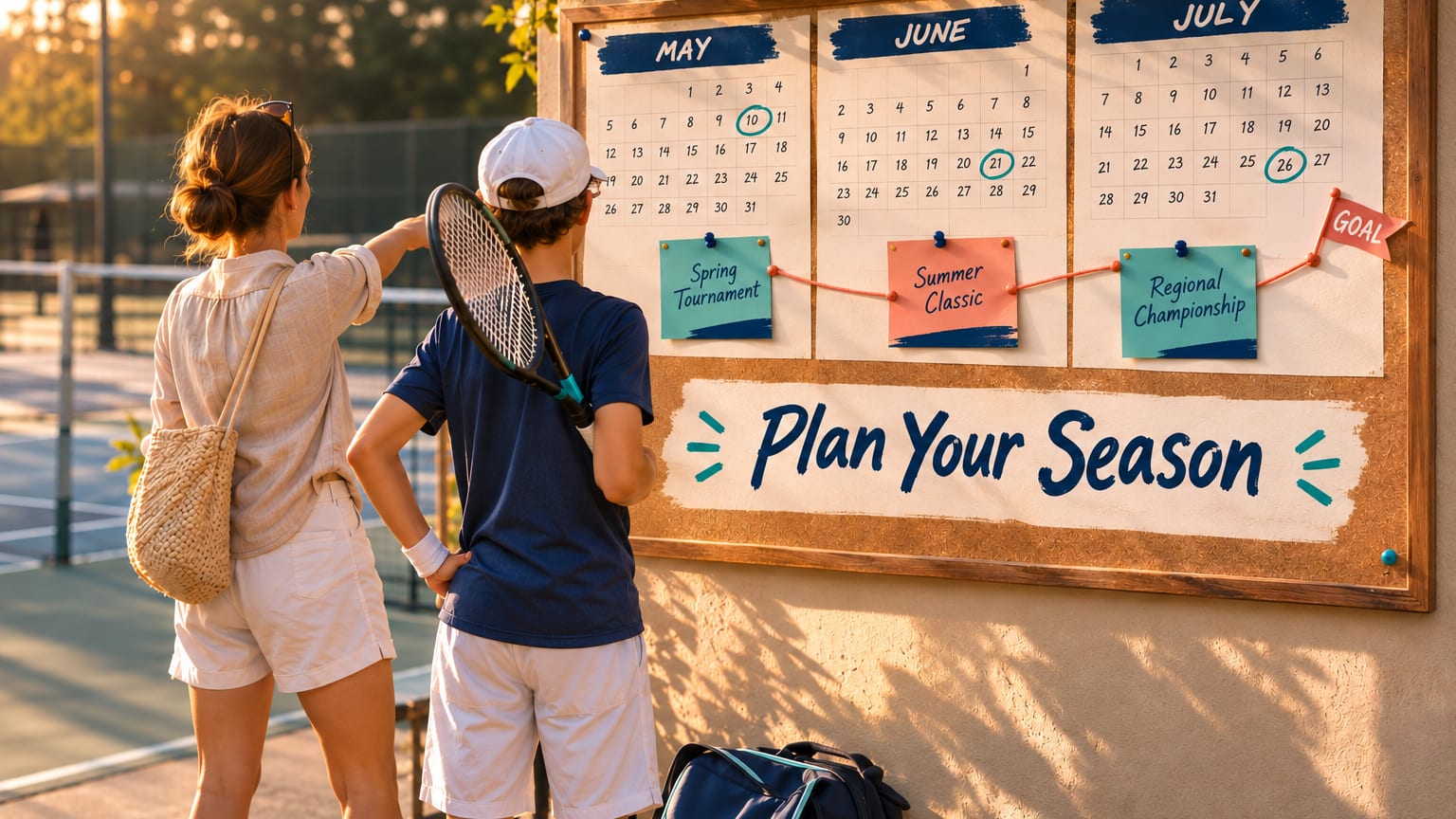
Franky and Maya show how to turn a ranking goal into a tournament plan with the Match Tennis App: set the goal, see the points you need, check each suggested tournament and build your season on the calendar.
Key Insights
Four ideas behind a smarter season plan
Build Your Plan in the Tournament Scheduler
It takes about two minutes
Open the scheduler
Tap the menu, then My Players, tap your player and tap Tournament Scheduler under the player's name.
Set the goal
Choose the goal type, type the ranking you want to reach and pick the goal date.
Generate Recommendations
Read the points table, then look through the suggested tournaments with their level, start date, city and the most national points on offer.
Check each suggestion
Tap the chart icon to open the Ranking Forecaster, then open the Applicants List and run a Placement Check.
Add it to the calendar
Tap the calendar icon with a plus sign, choose the player and tap Submit.
Reading the Ranking Forecaster
What each round could do for your player's ranking
- Pt.
- Points for reaching that round
- Est Pt.
- The player's new points total
- Forecast
- The new rank, green if it holds or improves, red if it drops
- Points Defending
- Enter an old result that will drop off, then tap Calculate
Aim for the middle to upper part of the field
The best tournaments usually give a player enough wins to earn points and enough strong opponents to grow. The forecast uses the USTA points tables and is a planning estimate, not an official ranking.
Key Takeaways
How to keep your season on track
One goal per search
National, sectional and district goals each need their own run of the scheduler.
Check before you commit
Look at the forecast and the field for every suggested tournament.
Adding is not entering
The calendar is your plan. Tap Register - USTA on the tournament page before the deadline.
Review every month
Check Rankings Snapshot and the Tournament Scheduler again as results come in, and adjust the plan.